GCP GKE
Importing a GCP GKE engine connects an existing GKE cluster to AIchor without transferring ownership. AIchor will schedule workloads on the cluster using the provided credentials, while infrastructure management remains with the cluster administrator.
Prerequisites
-
The GKE cluster must already exist and be accessible.
-
A GCP service account with sufficient permissions to the cluster must be available.
-
The Kubernetes API server endpoint is required. Run the following command to retrieve it:
kubectl cluster-info
and look for the Kubernetes control plane endpoint.
-
The external IP address of the ingress controler in the cluster must be known.
-
To populate the CA Data field, run the following command against the cluster:
kubectl config view --minify --raw --output 'jsonpath={..cluster.certificate-authority-data}' | base64 -d
Steps
- In the AIchor UI, open Engines and click Add Engine.
- Select In The Cloud, then GCP, then GKE.
- Select Import Existing Engine.
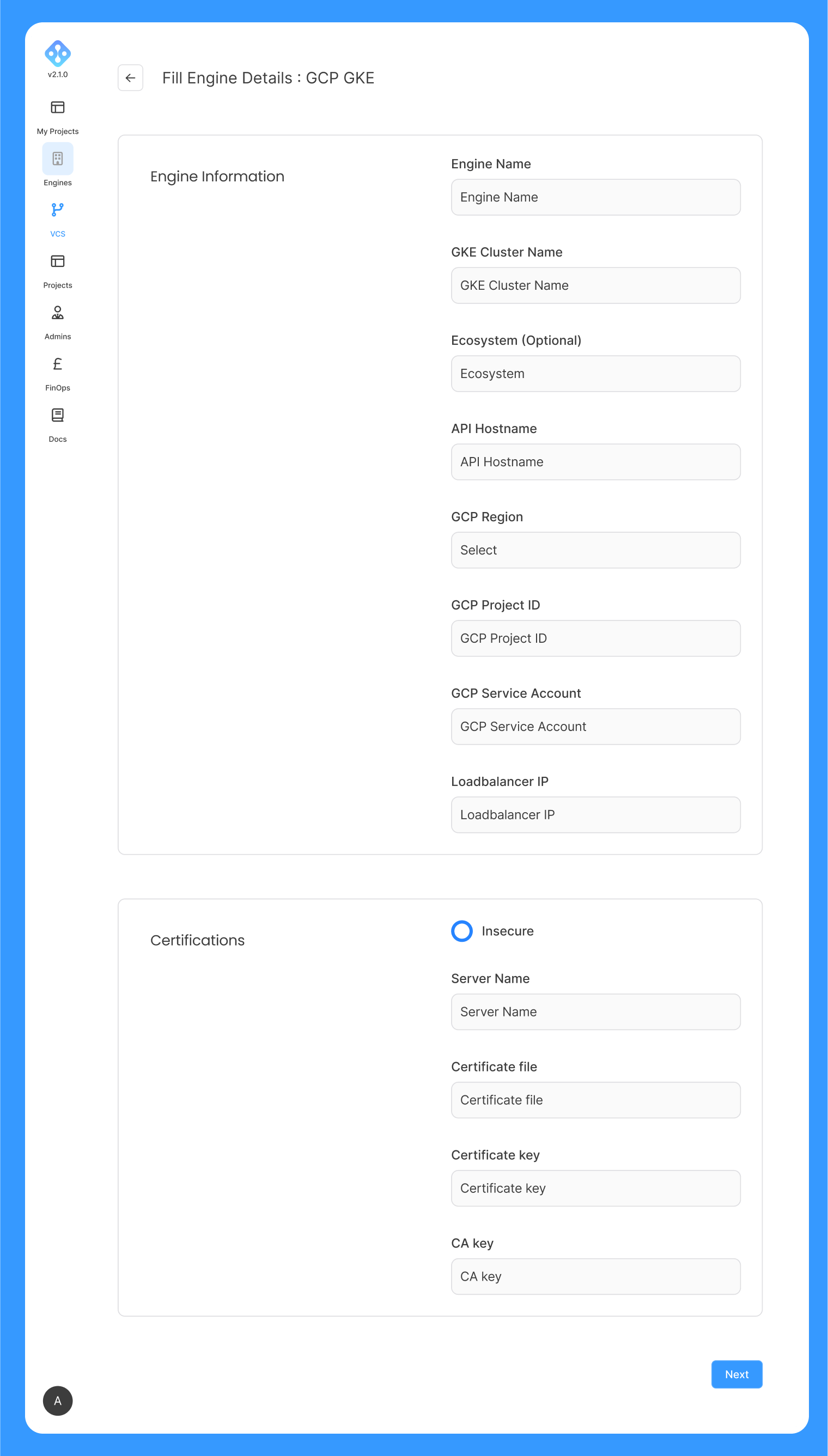
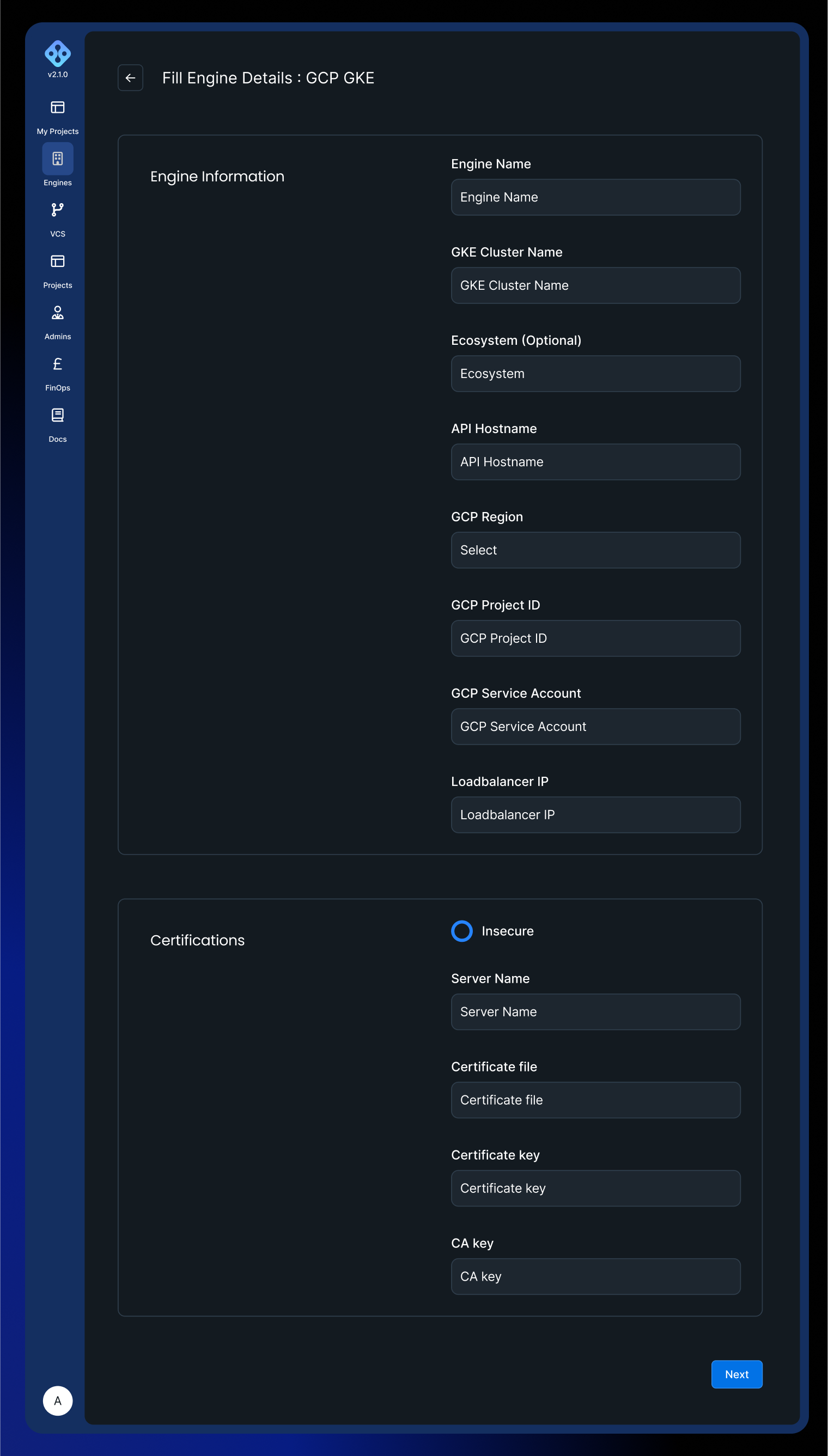
- Fill in the form fields described below and submit.
Form fields
| Field | Required | Description |
|---|---|---|
| Engine Name | Yes | Name of the engine in AIchor. Lowercase alphanumeric characters and hyphens. Must start with a letter. |
| GKE Cluster Name | Yes | Name of the existing GKE cluster to import. |
| Ecosystem | No | Tag passed to infrastructure-as-code tooling. Required only for specific organisations on InstaDeep recommendation. |
| API Hostname | Yes | Kubernetes API server endpoint. Found in ~/.kube/config under the cluster's server field. |
| GCP Region | Yes | Region where the cluster runs. |
| GCP Project ID | Yes | GCP project containing the cluster. |
| GCP Service Account | Yes | Service account with access to the cluster. |
| Load Balancer IP | Yes | IP address of the ingress controller deployed in the cluster. |
Certificates
TLS verification behaviour is controlled through the certificate fields below. By default, certificate verification is enabled.
| Field | Required | Description |
|---|---|---|
| Insecure | No | When checked, certificate verification is skipped. Not recommended for production. |
| Server Name | No | SNI hostname used during the TLS handshake. |
| Certificate Data | No | Client certificate in PEM format. |
| CA Data | No | Certificate Authority certificate in PEM format. See the retrieval command in the Prerequisites section above. |
TPU usage
To use TPUs on an imported engine, either the node autoprovisioner must be able to provision TPU nodepool (ref) or create a node pool, autoscaled or not (ref).