On-Premises Kubernetes
Importing an on-premises Kubernetes engine connects a self-managed cluster to AIchor. AIchor schedules workloads on the cluster using the provided credentials, while infrastructure management remains entirely with the cluster administrator.
Prerequisites
-
The Kubernetes cluster must already exist.
-
The Kubernetes API server endpoint is required. Run the following command to retrieve it:
kubectl cluster-info
and look for the Kubernetes control plane endpoint.
-
The external IP address of the ingress controller deployed must be known.
-
Either a bearer token or basic authentication credentials must be available (see Authentication below).
-
To populate the CA Data field, run the following command:
kubectl config view --minify --raw --output 'jsonpath={..cluster.certificate-authority-data}' | base64 -d
Steps
-
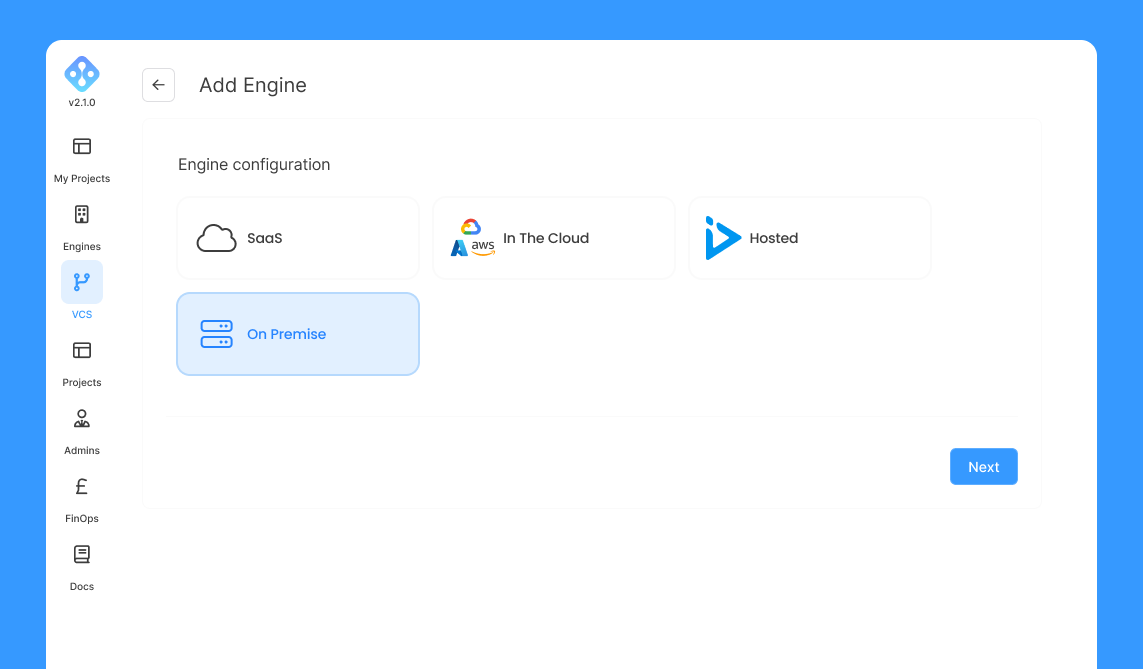
In the AIchor UI, open Engines and click Add Engine.
-
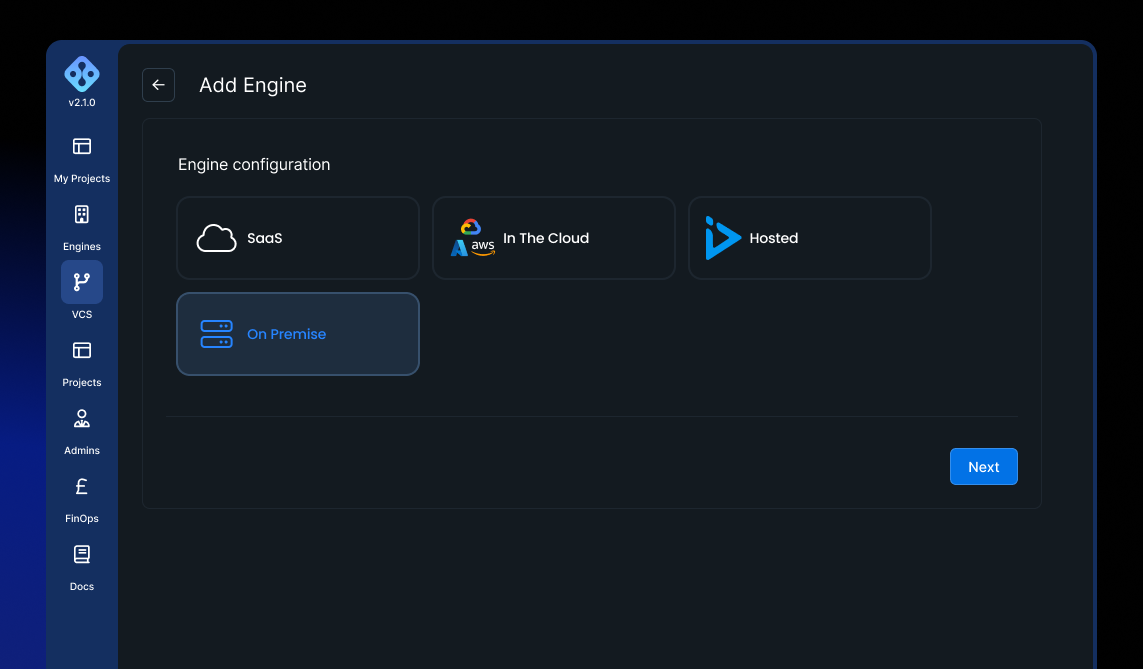
Select On Premise.
-
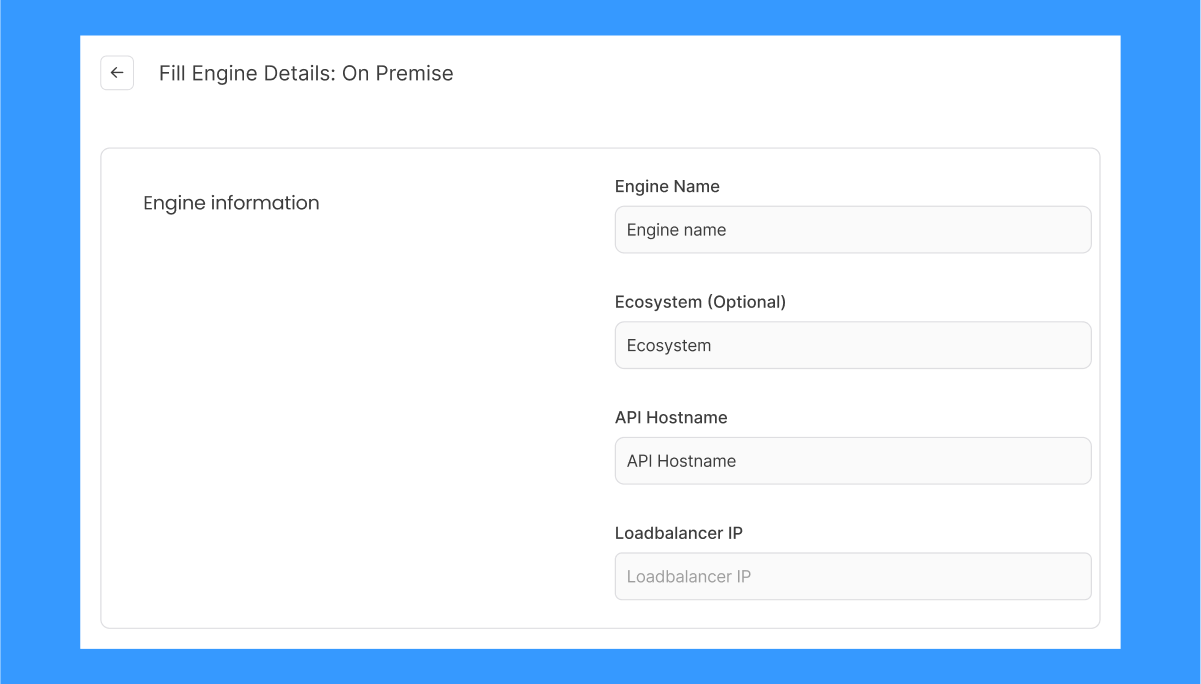
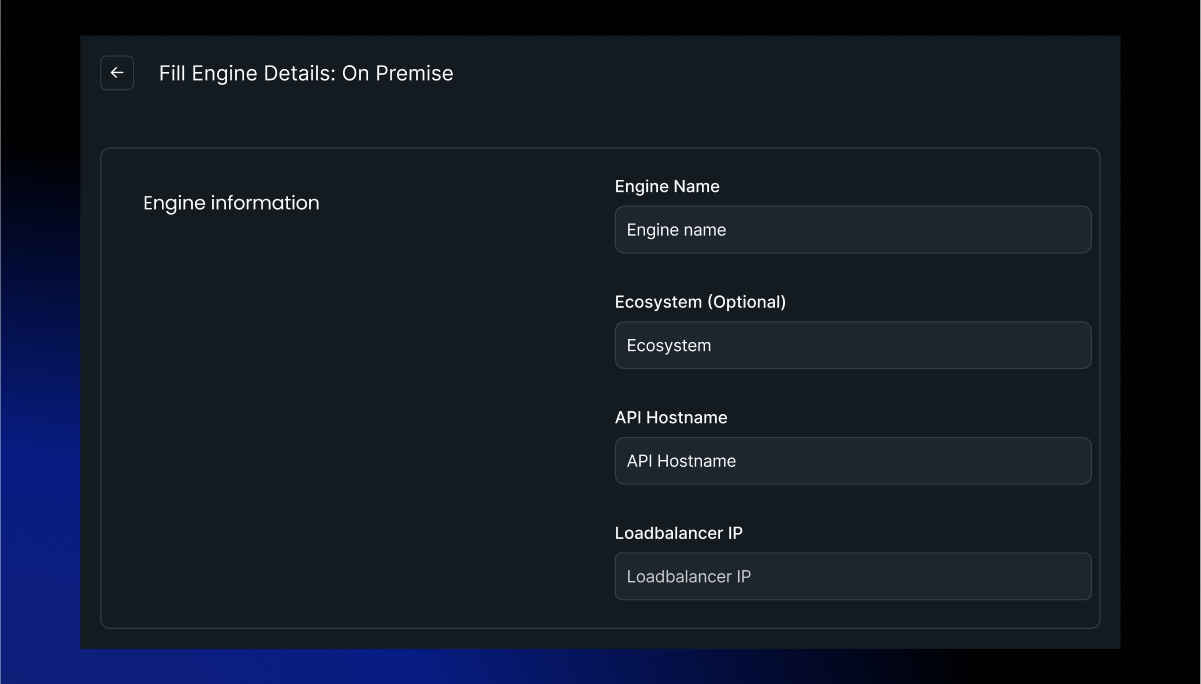
Fill in the form fields described below.
-
Fill in the authentication fields and submit.
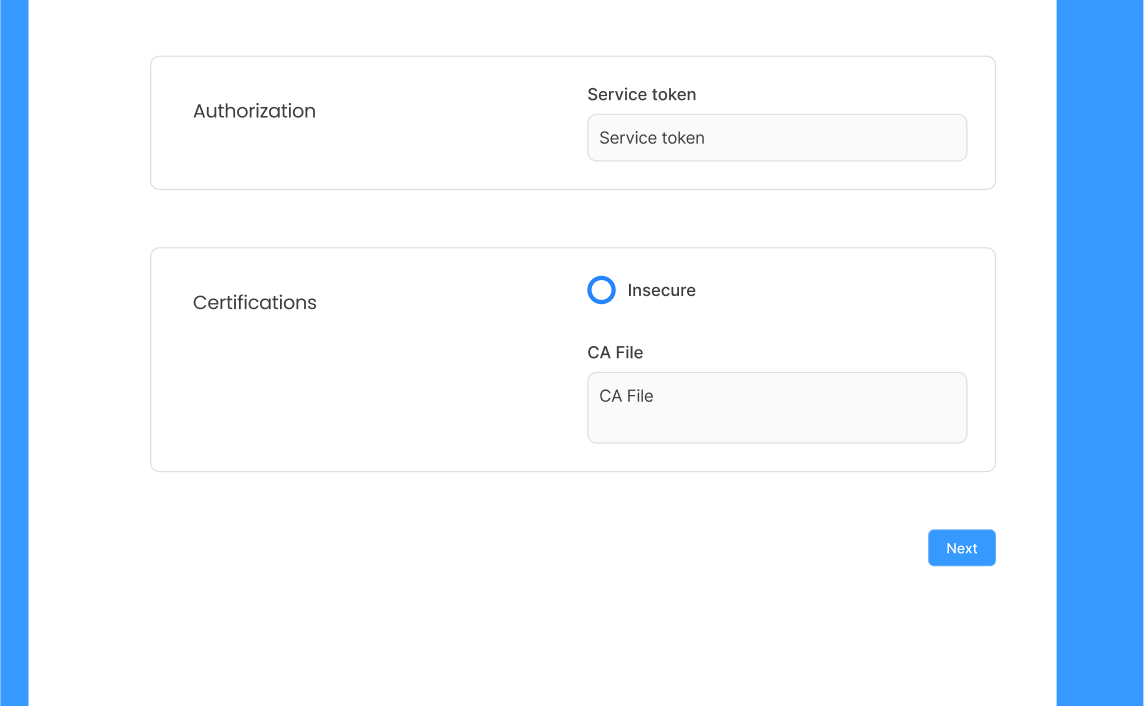
Form fields
| Field | Required | Description |
|---|---|---|
| Engine Name | Yes | Lowercase alphanumeric characters and hyphens. Must start with a letter. |
| Ecosystem | No | Tag passed to infrastructure-as-code tooling. Required only for specific organisations on InstaDeep recommendation. |
| API Hostname | Yes | Kubernetes API server endpoint. Obtained by running kubectl cluster-info. |
| Load Balancer IP | Yes | External IP address of the Nginx ingress controller. Provided by the networking team. |
Certificates
| Field | Required | Description |
|---|---|---|
| CA Data | No | Certificate Authority certificate in PEM format. See the retrieval command in the Before starting section above. |
Authentication
One of the following two authentication methods must be provided.
Option A: Static Bearer token
A service account token (bearer token) is the recommended approach. The token is found in the kubeconfig under users[0].user.token, or generated from a dedicated service account (see Generating a service token below).
| Field | Required | Description |
|---|---|---|
| Bearer Token | Yes (if using this option) | Service account token used to authenticate with the Kubernetes API. |
Option B: Basic authentication
Username and password credentials can be used as an alternative to a bearer token.
| Field | Required | Description |
|---|---|---|
| Basic Username | Yes (if using this option) | Username for basic authentication. |
| Basic Password | Yes (if using this option) | Password for basic authentication. |
Generating a service token
A dedicated Kubernetes service account can be created to generate a bearer token with the minimum required permissions. The following manifests create the necessary resources.
ServiceAccount (serviceaccount.yaml):
apiVersion: v1
kind: ServiceAccount
metadata:
  name: dp-cluster-service-account
  namespace: aichor
ClusterRole (clusterrole.yaml):
apiVersion: rbac.authorization.k8s.io/v1
kind: ClusterRole
metadata:
  name: dp-sa-cluster-role
rules:
- apiGroups:
  - ""
  resources:
  - pods
  - pods/status
  - pods/exec
  - pods/log
  - serviceaccounts
  - configmaps
  - namespaces
  - secrets
  - events
  - services
  - services/finalizers
  - nodes
  - nodes/status
  - endpoints
  - pods/eviction
  - persistentvolumeclaims
  - persistentvolumeclaims/status
  verbs:
  - '*'
- apiGroups:
  - networking.k8s.io
  resources:
  - ingresses
  verbs:
  - create
  - get
  - delete
  - list
  - watch
- apiGroups:
  - cert-manager.io
  resources:
  - certificates
  verbs:
  - create
- apiGroups:
  - apps
  resources:
  - deployments
  - daemonsets
  - statefulsets
  - controllerrevisions
  - replicasets
  verbs:
  - '*'
- apiGroups:
  - ray.instadeep.io
  resources:
  - rayclusters
  verbs:
  - list
  - create
  - get
  - delete
- apiGroups:
  - argoproj.io
  resources:
  - workflows
  - workflows/finalizers
  - clusterworkflowtemplates
  - clusterworkflowtemplates/finalizers
  - cronworkflows
  - cronworkflows/finalizers
  - workflowartifactgctasks
  - workflowartifactgctasks/finalizers
  - workfloweventbindings
  - workfloweventbindings/finalizers
  - workflowtaskresults
  - workflowtaskresults/finalizers
  - workflowtasksets
  - workflowtasksets/finalizers
  - workflowtemplates
  - workflowtemplates/finalizers
  - eventbus
  - eventbus/finalizers
  - eventbus/status
  - eventsources
  - eventsources/finalizers
  - eventsources/status
  - sensors
  - sensors/finalizers
  - sensors/status
  verbs:
  - '*'
- apiGroups:
  - apiextensions.k8s.io
  resources:
  - customresourcedefinitions
  verbs:
  - get
  - list
  - watch
  - create
  - update
  - patch
  - delete
- apiGroups:
  - gateway.networking.k8s.io
  resources:
  - listenersets
  - httproutes
  verbs:
  - get
  - list
  - watch
  - create
  - update
  - patch
  - delete
- apiGroups:
  - rbac.authorization.k8s.io
  resources:
  - clusterroles
  - clusterrolebindings
  - roles
  - rolebindings
  verbs:
  - get
  - list
  - watch
  - create
  - update
  - patch
  - delete
- apiGroups:
  - ""
  resources:
  - nodes/proxy
  verbs:
  - get
- apiGroups:
  - ""
  resources:
  - namespaces/status
  verbs:
  - get
  - list
  - watch
  - update
  - patch
- apiGroups:
  - autoscaling
  resources:
  - horizontalpodautoscalers
  verbs:
  - get
  - list
  - watch
  - create
  - update
  - patch
  - delete
- apiGroups:
  - nvidia.com
  resources:
  - clusterpolicies
  - clusterpolicies/finalizers
  - clusterpolicies/status
  - nvidiadrivers
  - nvidiadrivers/finalizers
  - nvidiadrivers/status
  verbs:
  - get
  - list
  - watch
  - create
  - update
  - patch
  - delete
  - deletecollection
- apiGroups:
  - nfd.k8s-sigs.io
  resources:
  - nodefeatures
  verbs:
  - get
  - list
  - watch
  - create
  - update
  - delete
- apiGroups:
  - nfd.k8s-sigs.io
  resources:
  - nodefeaturegroups
  - nodefeaturerules
  verbs:
  - get
  - list
  - watch
- apiGroups:
  - nfd.k8s-sigs.io
  resources:
  - nodefeaturegroups/status
  verbs:
  - patch
  - update
- apiGroups:
  - topology.node.k8s.io
  resources:
  - noderesourcetopologies
  verbs:
  - list
  - delete
- apiGroups:
  - config.openshift.io
  resources:
  - clusterversions
  - proxies
  verbs:
  - get
  - list
  - watch
- apiGroups:
  - image.openshift.io
  resources:
  - imagestreams
  verbs:
  - get
  - list
  - watch
- apiGroups:
  - node.k8s.io
  resources:
  - runtimeclasses
  verbs:
  - get
  - list
  - watch
  - create
  - update
  - delete
- apiGroups:
  - scheduling.k8s.io
  resources:
  - priorityclasses
  verbs:
  - get
  - list
  - watch
  - create
- apiGroups:
  - security.openshift.io
  resources:
  - securitycontextconstraints
  verbs:
  - get
  - list
  - watch
  - create
  - update
  - patch
  - delete
  - use
- apiGroups:
  - coordination.k8s.io
  resources:
  - leases
  verbs:
  - get
  - list
  - watch
  - create
  - update
  - patch
  - delete
- apiGroups:
  - opentelemetry.io
  resources:
  - opentelemetrycollectors
  verbs:
  - get
  - list
  - watch
  - create
  - update
  - patch
  - delete
- apiGroups:
  - extensions
  resources:
  - replicasets
  - daemonsets
  - deployments
  - ingresses
  verbs:
  - get
  - list
  - watch
- apiGroups:
  - events.k8s.io
  resources:
  - events
  verbs:
  - list
  - watch
- apiGroups:
  - policy
  resources:
  - poddisruptionbudgets
  verbs:
  - get
  - list
  - watch
  - create
  - update
  - patch
  - delete
- apiGroups:
  - admissionregistration.k8s.io
  resources:
  - mutatingwebhookconfigurations
  - validatingwebhookconfigurations
  verbs:
  - get
  - list
  - watch
  - create
  - update
  - patch
  - delete
- apiGroups:
  - batch
  resources:
  - jobs
  - jobs/status
  verbs:
  - get
  - list
  - watch
  - create
  - update
  - patch
  - delete
  - deletecollection
- apiGroups:
  - gateway.envoyproxy.io
  resources:
  - envoyextensionpolicies
  verbs:
  - get
  - list
  - watch
  - create
  - update
  - patch
  - delete
- apiGroups:
  - jobset.x-k8s.io
  resources:
  - jobsets
  - jobsets/status
  verbs:
  - get
  - list
  - watch
  - create
  - update
  - patch
  - delete
- apiGroups:
  - ray.io
  resources:
  - rayjobs
  - rayjobs/status
  - rayclusters
  - rayclusters/finalizers
  - rayclusters/status
  - rayservices
  - rayservices/finalizers
  - rayservices/status
  verbs:
  - get
  - list
  - watch
  - create
  - update
  - patch
  - delete
  - deletecollection
- apiGroups:
  - monitoring.coreos.com
  resources:
  - alertmanagerconfigs
  - alertmanagers
  - alertmanagers/finalizers
  - alertmanagers/status
  - podmonitors
  - probes
  - prometheusagents
  - prometheusagents/finalizers
  - prometheusagents/status
  - prometheuses
  - prometheuses/finalizers
  - prometheuses/status
  - prometheusrules
  - scrapeconfigs
  - servicemonitors
  - thanosrulers
  - thanosrulers/finalizers
  - thanosrulers/status
  verbs:
  - '*'
- apiGroups:
  - discovery.k8s.io
  resources:
  - endpointslices
  verbs:
  - get
  - create
  - list
  - watch
  - update
  - delete
- apiGroups:
  - ""
  resources:
  - nodes/metrics
  - limitranges
  - persistentvolumes
  - replicationcontrollers
  - resourcequotas
  verbs:
  - get
  - list
  - watch
- apiGroups:
  - batch
  resources:
  - cronjobs
  verbs:
  - list
  - watch
- apiGroups:
  - certificates.k8s.io
  resources:
  - certificatesigningrequests
  verbs:
  - list
  - watch
- apiGroups:
  - networking.k8s.io
  resources:
  - networkpolicies
  verbs:
  - list
  - watch
- apiGroups:
  - storage.k8s.io
  resources:
  - storageclasses
  - volumeattachments
  verbs:
  - get
  - list
  - watch
- nonResourceURLs:
  - /metrics
  - /metrics/cadvisor
  verbs:
  - get
ClusterRoleBinding (clusterrolebinding.yaml):
apiVersion: rbac.authorization.k8s.io/v1
kind: ClusterRoleBinding
metadata:
  name: dp-sa-cluster-role-binding
roleRef:
  apiGroup: rbac.authorization.k8s.io
  kind: ClusterRole
  name: dp-sa-cluster-role
subjects:
- kind: ServiceAccount
  name: dp-cluster-service-account
  namespace: aichor
Secret to trigger token generation (secret.yaml):
apiVersion: v1
kind: Secret
metadata:
  annotations:
    kubernetes.io/service-account.name: dp-cluster-service-account
  name: dp-cluster-service-account-token
  namespace: aichor
type: kubernetes.io/service-account-token
Apply all four manifests, then retrieve the token with:
kubectl get secret dp-cluster-service-account-token \
  -o=jsonpath='{.data.token}' -n aichor | base64 -d
The output is the bearer token to enter in the Bearer Token field.