GCP GKE
When creating a GCP GKE engine, AIchor provisions and manages a Google Kubernetes Engine cluster in the specified GCP project. The cluster lifecycle (upgrades, patches) is handled by AIchor.
Prerequisites
- A GCP project must exist and be accessible to the service account used for provisioning.
- A GCP service account must be created by the GCP administrator and granted the permissions required for AIchor to manage cluster resources.
- The target GCP region must be decided in advance. All GCP regions are supported.
- Optional: decide whether Google Cloud Filestore should be enabled for file storage.
Steps
- In the AIchor UI, open Engines from the left menu and click Add Engine.
- Select In The Cloud, then GCP, then GKE, then Create.
- Fill in the form fields described below and click Submit.
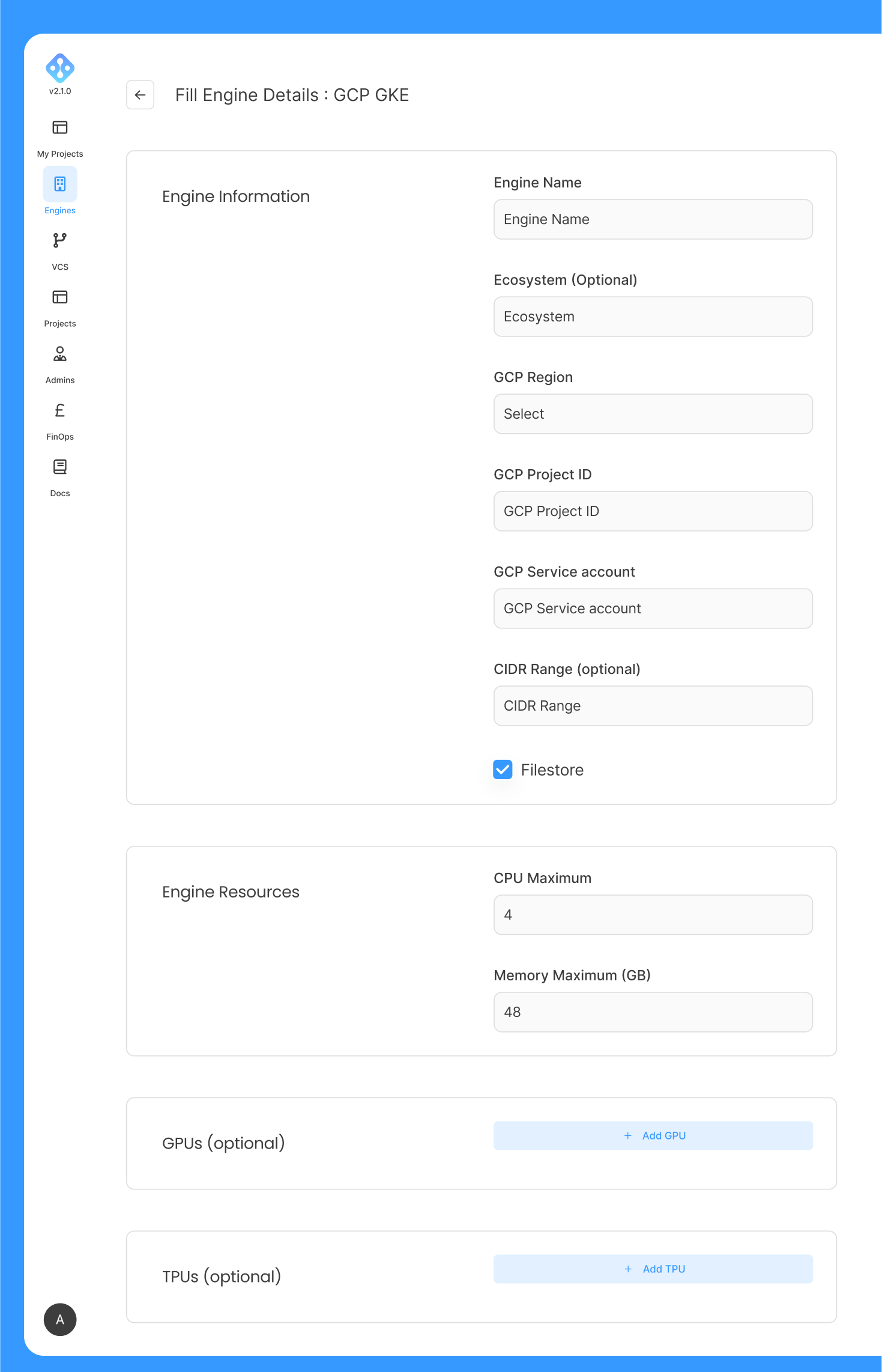
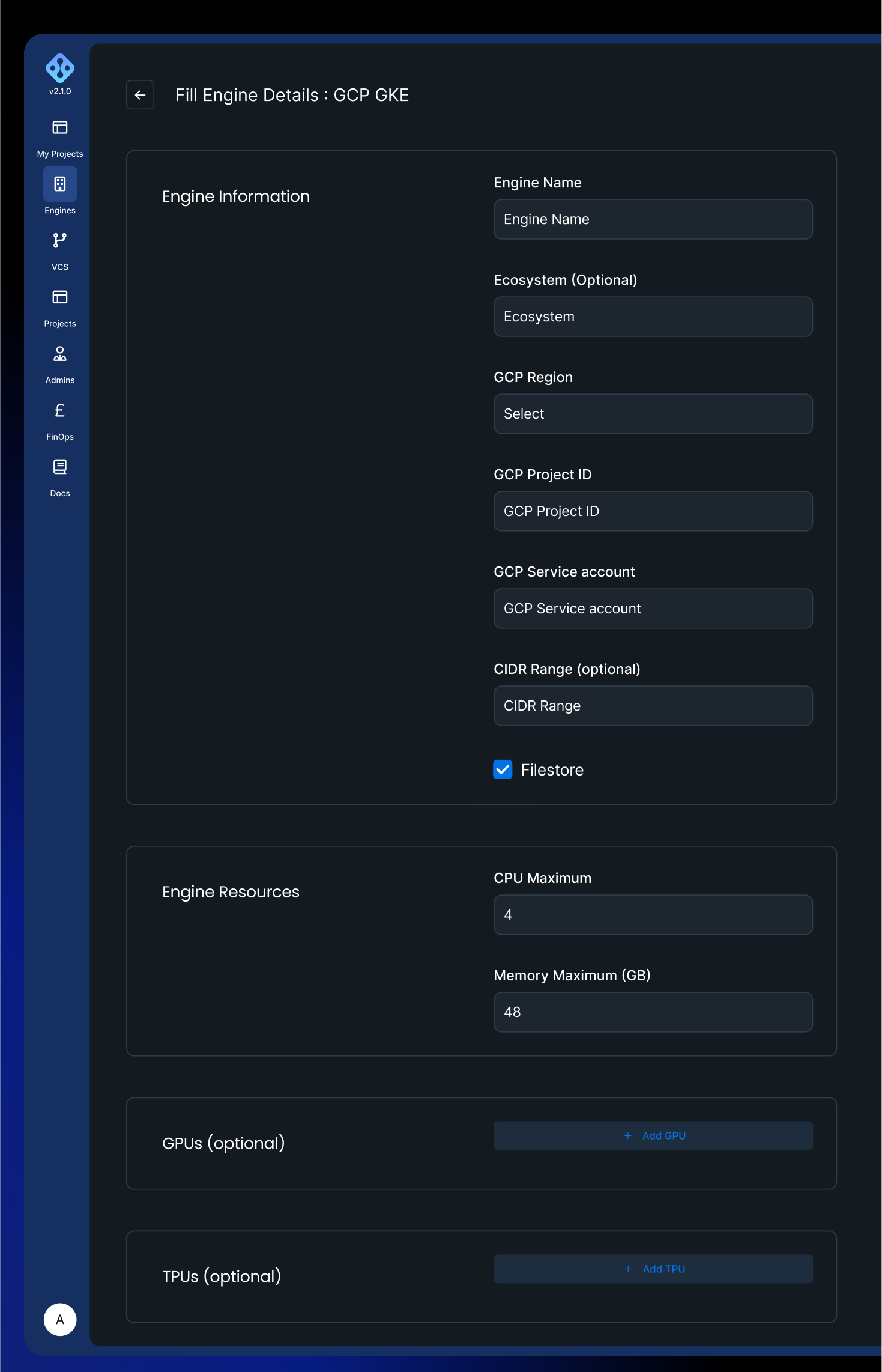
Form fields
| Field | Required | Description |
|---|---|---|
| Engine Name | Yes | Lowercase alphanumeric characters and hyphens only. Must start with a letter. Maximum 128 characters. |
| Ecosystem | No | Tag passed to infrastructure-as-code tooling. Only required for specific organisations on InstaDeep recommendation. |
| GCP Region | Yes | Dropdown of all available GCP regions. Select the region where the cluster will be provisioned. |
| GCP Project ID | Yes | The identifier of the GCP project that will host the cluster. |
| GCP Service Account | Yes | Service account created by the GCP administrator to grant AIchor access to the cloud provider account. |
| CIDR Range | No | IP address range used for VPC creation. |
| Filestore | No | Checkbox. When enabled, Google Cloud Filestore is activated for file storage on the engine. |
Engine resources
The Engine Resources section defines the compute capacity available to the engine.
| Field | Required | Description |
|---|---|---|
| Max CPU | Yes (minimum 12) | Maximum number of CPU cores the engine can allocate across all workloads. |
| Max Memory | Yes (minimum 48) | Maximum memory in GB the engine can allocate. |
| GPUs | No | One or more GPU entries. Each entry specifies a GPU type (from the GCP catalogue) and a minimum and maximum count. |
| TPUs | No | One or more TPU entries. Each entry specifies a TPU type (v4, v5e, v5p, or v6e/Trillium) and a minimum and maximum count. |
Supported GPU types:
| GPU type | Identifier |
|---|---|
| NVIDIA Tesla T4 | t4 |
| NVIDIA Tesla P4 | tesla-p4 |
| NVIDIA Tesla P100 | tesla-p100 |
| NVIDIA Tesla V100 | v100 |
| NVIDIA A100 | a100 |
| NVIDIA L4 | l4 |
Supported TPU types:
| TPU type | Identifier |
|---|---|
| TPU v4 | v4 |
| TPU v5e | v5e |
| TPU v5p | v5p |
| TPU v6e (Trillium) | v6e |
After submission
After the form is submitted, AIchor begins provisioning the GKE cluster. Once provisioning is complete, the engine status is displayed as READY on the engine management page.