Azure AKS
When creating an Azure AKS engine, AIchor provisions and manages an Azure Kubernetes Service cluster in the specified Azure subscription and resource group. The cluster lifecycle (upgrades, patches) is handled by AIchor.
Prerequisites
- An Azure subscription must be available and its ID noted.
- The Azure AD tenant ID must be available.
- A resource group must exist (or be created) in the target subscription to contain the AKS cluster.
- The target Azure region must be decided in advance. All Azure regions are supported.
- Optional: if AAD group-based access control is required, the Object ID of the relevant Azure Active Directory group must be available.
Steps
- In the AIchor UI, open Engines from the left menu and click Add Engine.
- Select In The Cloud, then Azure, then AKS, then Create.
- Fill in the form fields described below and click Submit.
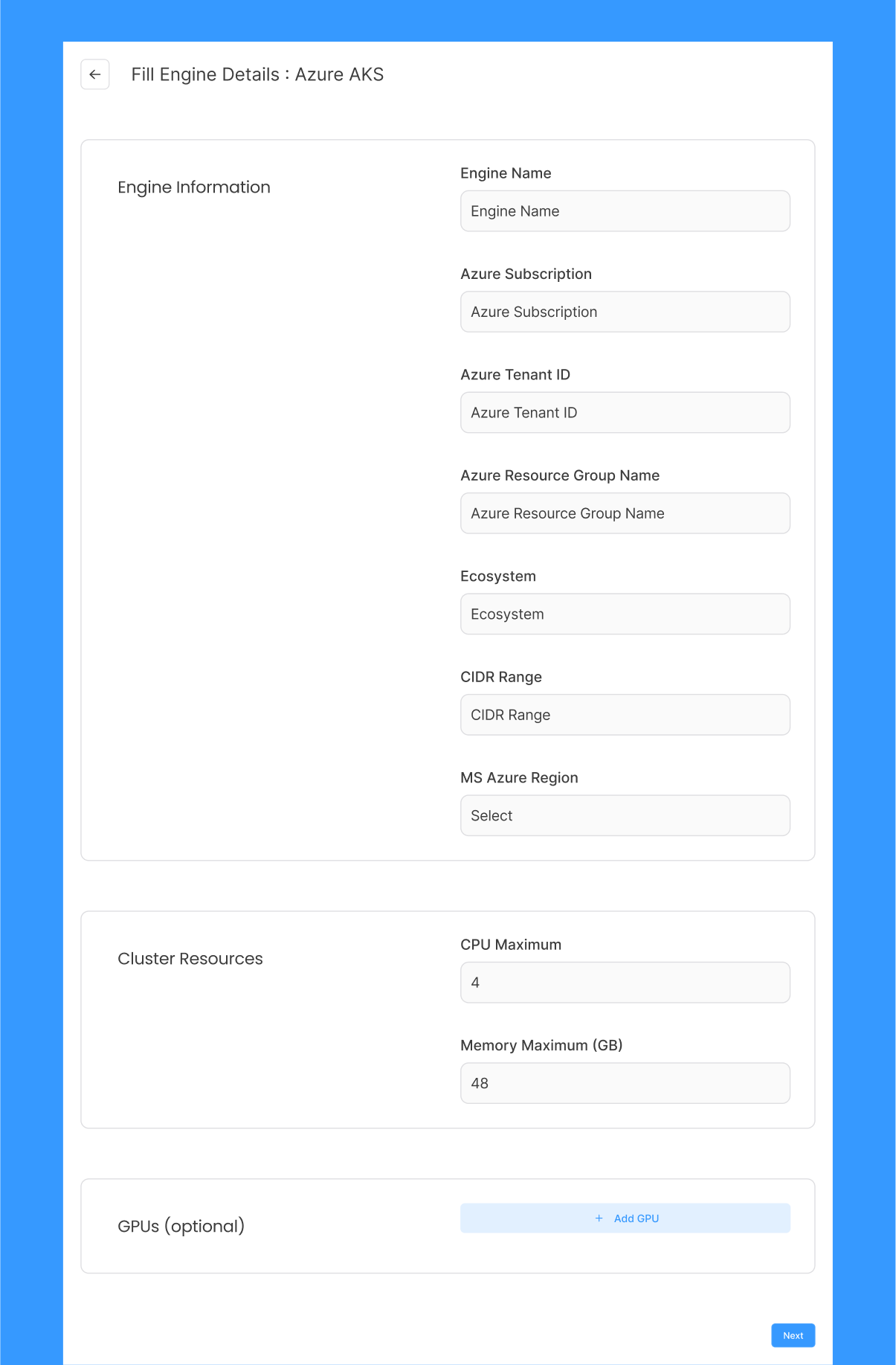
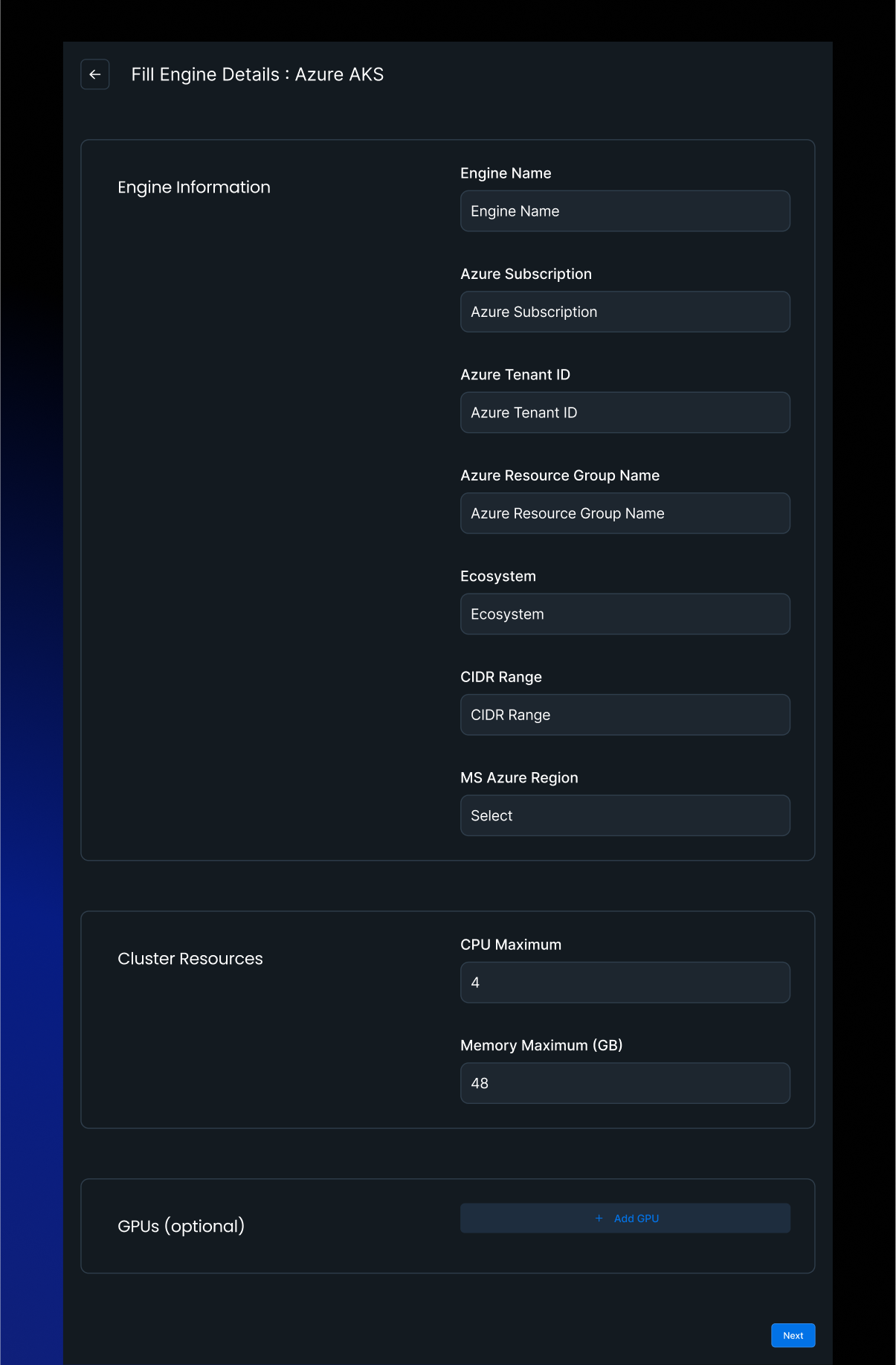
Form fields
| Field | Required | Description |
|---|---|---|
| Engine Name | Yes | Lowercase alphanumeric characters and hyphens only. Must start with a letter. Maximum 128 characters. |
| Azure Subscription | Yes | The target Azure subscription ID where the cluster will be provisioned. |
| Azure Tenant ID | Yes | The Azure Active Directory tenant ID associated with the subscription. |
| Azure Resource Group Name | Yes | The resource group that will contain the AKS cluster. |
| MS Azure Region | Yes | Dropdown of all available Azure regions. Select the region where the cluster will be provisioned. |
| CIDR Range | No | IP address range used for VPC creation. |
| AAD Group ID | No | Object ID of the Azure Active Directory group to associate with the AKS cluster for access control. |
| Ecosystem | No | Tag passed to infrastructure-as-code tooling. Only required for specific organisations on InstaDeep recommendation. |
Engine resources
The Engine Resources section defines the compute capacity available to the engine.
| Field | Required | Description |
|---|---|---|
| Max CPU | Yes (minimum 12) | Maximum number of CPU cores the engine can allocate across all workloads. |
| Max Memory | Yes (minimum 48) | Maximum memory in GB the engine can allocate. |
| GPUs | No | One or more GPU entries. Each entry specifies a GPU type (from the Azure catalogue) and a minimum and maximum count. |
Supported GPU types:
| GPU type | Identifier |
|---|---|
| NVIDIA Tesla T4 | T4 |
| NVIDIA A100 | A100 |
| NVIDIA H100 | H100 |
| NVIDIA A10 | A10 |
| NVIDIA M60 | M60 |
After submission
After the form is submitted, AIchor begins provisioning the AKS cluster. Once provisioning is complete, the engine status is displayed as READY on the engine management page.