AWS ParallelCluster (Slurm)
Importing an AWS ParallelCluster engine connects an existing Slurm-based HPC cluster to AIchor without transferring ownership. AIchor submits workloads to the Slurm scheduler via the cluster's head node, while infrastructure management remains with the cluster administrator.
Prerequisites
- The AWS ParallelCluster must already exist and be accessible.
- An IAM role with the necessary permissions must be available. The role ARN follows the format
arn:aws:iam::account-id:role/role-name. - The IP address of the head node must be known.
- The CloudFormation stack ARN for the ParallelCluster deployment must be available.
- The VPC ID and subnet IDs associated with the cluster must be known.
- The Slurm REST API version running on the cluster must be identified (for example,
v0.0.39).
Steps
- In the AIchor UI, open Engines and click Add Engine.
- Select In The Cloud, then AWS, then ParallelCluster.
- Select Import Existing Engine.
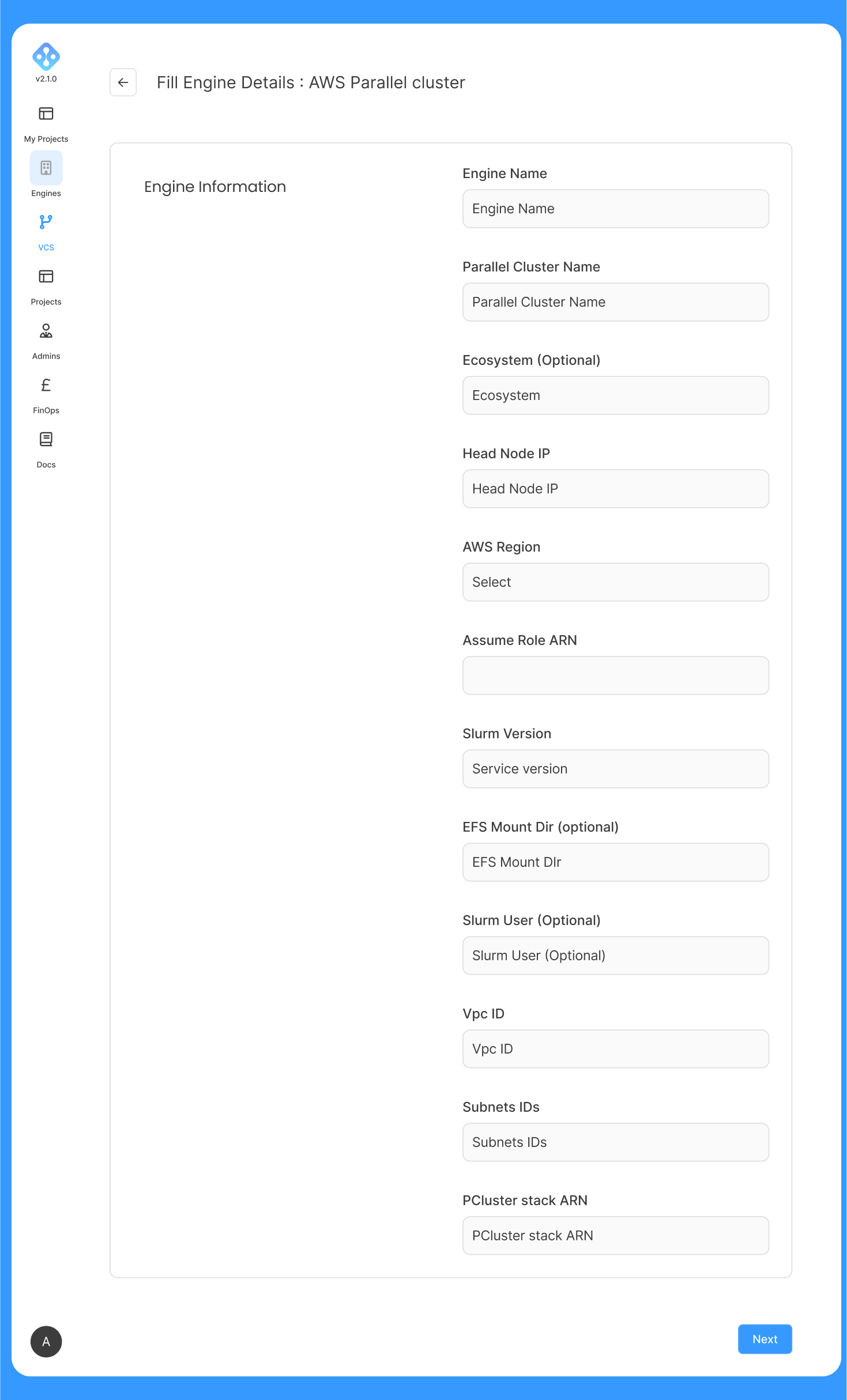
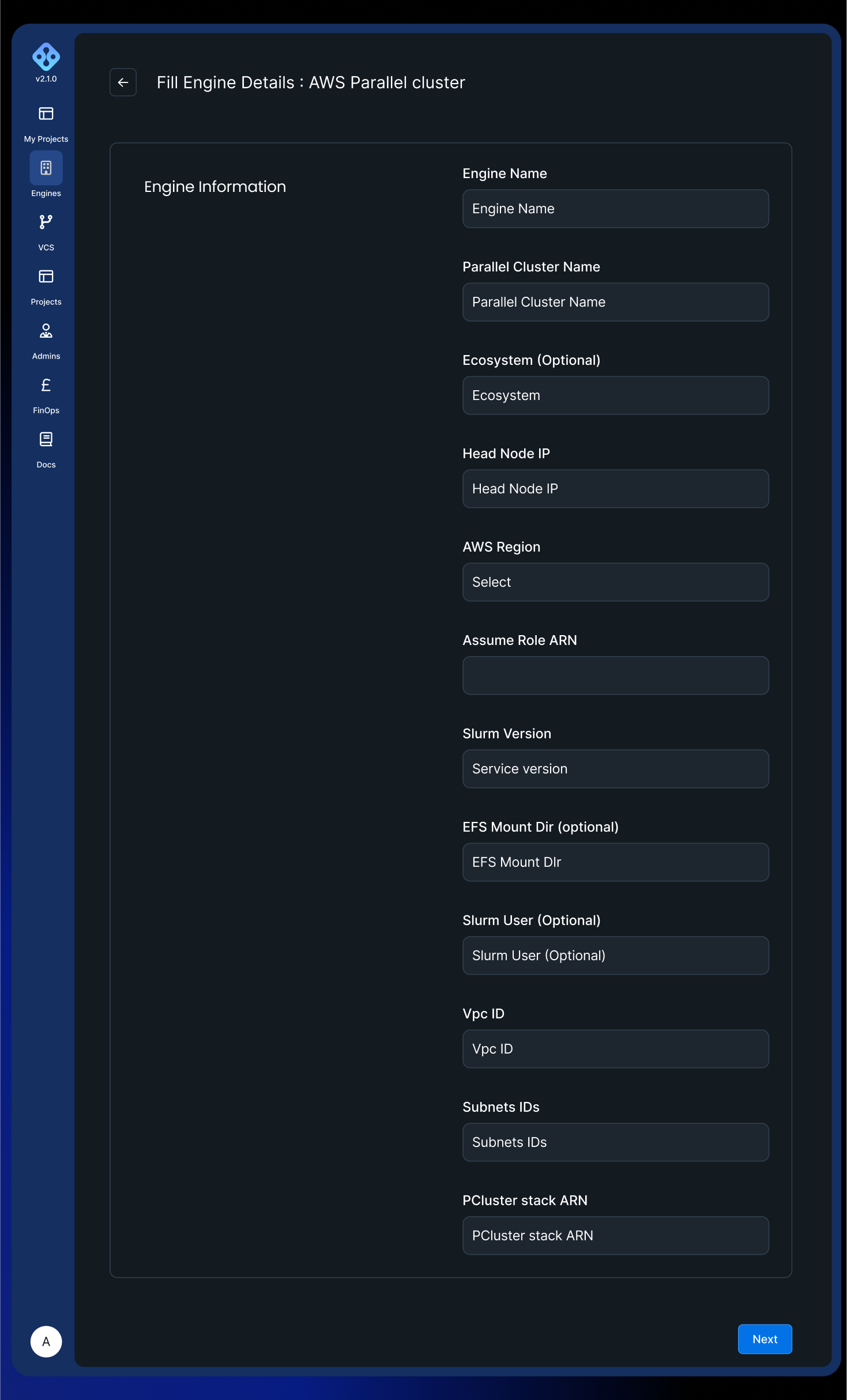
- Fill in the form fields described below and submit.
Form fields
| Field | Required | Description |
|---|---|---|
| Engine Name | Yes | Lowercase alphanumeric characters and hyphens. Must start with a letter. |
| Parallel Cluster Name | Yes | Name of the existing AWS ParallelCluster cluster. |
| Ecosystem | No | Tag passed to infrastructure-as-code tooling. Required only for specific organisations on InstaDeep recommendation. |
| Head Node IP | Yes | IP address of the ParallelCluster head node. Serves as the API endpoint equivalent for Kubernetes-based engines. |
| AWS Region | Yes | Region where the cluster runs. |
| Assume Role ARN | Yes | IAM role ARN with access to the cluster. Format: arn:aws:iam::account-id:role/role-name. |
| Slurm Version | Yes | Version identifier for the Slurm REST API running on the cluster. Example: v0.0.39. |
| EFS Mount Dir | No | Directory used for EFS mounting. Default: /mnt/shared. |
| Slurm User | No | Username for Slurm task submission. Default: slurm. |
| VPC ID | Yes | AWS VPC identifier associated with the cluster. |
| Subnets IDs | Yes | Comma-separated list of subnet IDs within the VPC. |
| PCluster Stack ARN | Yes | CloudFormation stack ARN for the ParallelCluster deployment. |
Authentication
Authentication to the ParallelCluster cluster is performed via IAM role assumption. The Assume Role ARN field specifies the IAM role that AIchor assumes when communicating with the cluster. Ensure the role has sufficient permissions to interact with the head node and the associated AWS resources.