Logs
Experiment logs are available both in the AIchor dashboard and through the AIchor CLI.
Logs are displayed in UTC. AIchor retains logs for 30 days — anything you need to keep longer must be saved manually.
Logs viewer
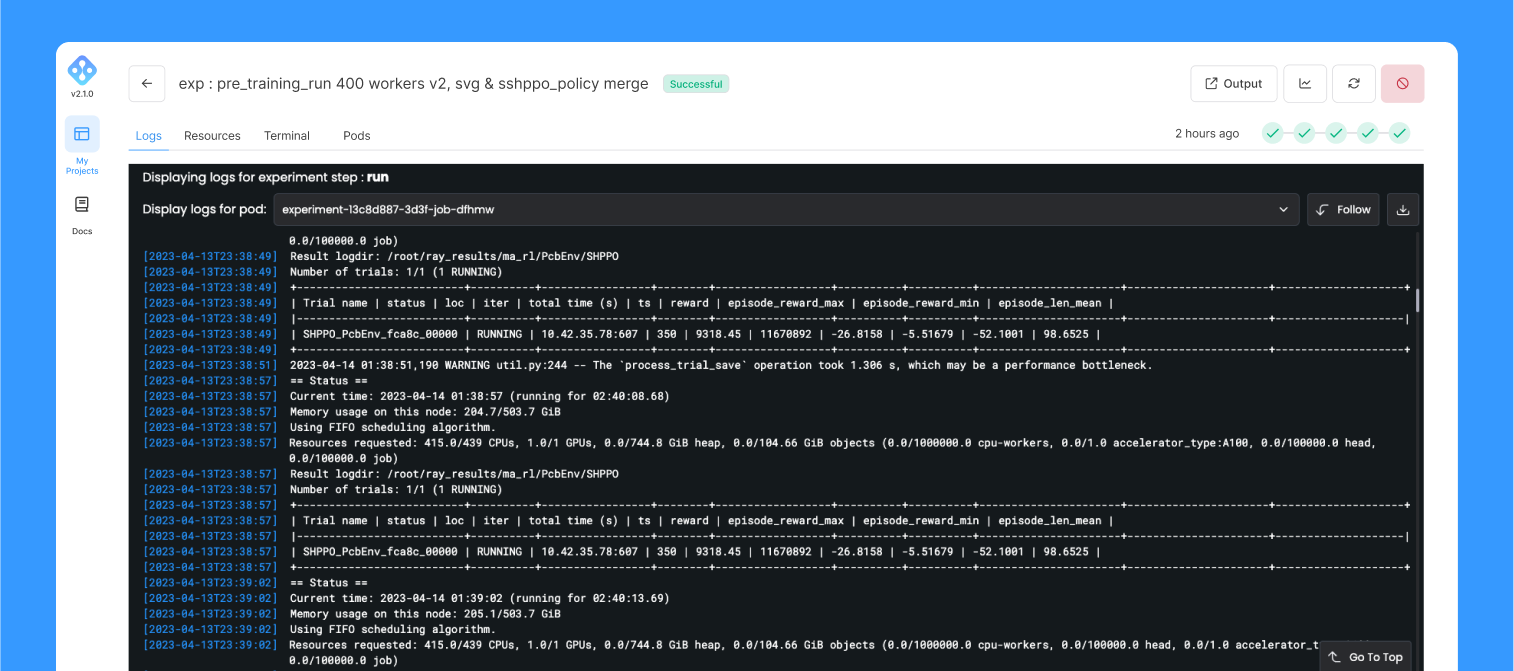
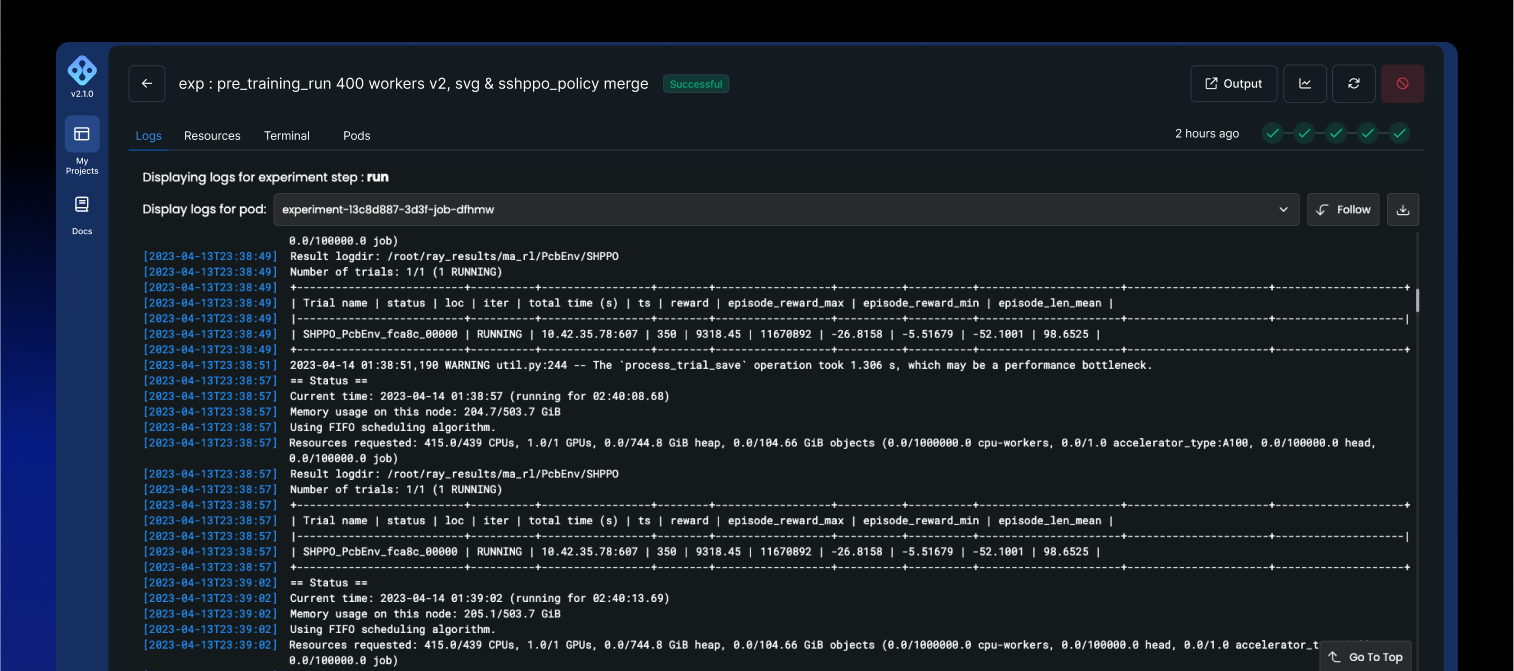
Selecting an experiment in the dashboard opens its detail view, where logs are displayed for each step of the experiment. The viewer is scrollable, and a pod selector lets you focus on a specific pod's output.
Logs are also streamed while the experiment is running.
The logs displayed on the UI are only the last 100 lines printed so if you need to get a full view of the logs, click on the Download Logs button for a full extraction
Logs from the CLI
The CLI exposes two commands for accessing logs:
aichor experiments logs stream— streams logs in real time from the experiment's current step. Intended for active experiments.aichor experiments logs query— retrieves up to the last 2000 log entries from a specific step (clone,build,submit, orrun). Intended for inspecting completed experiments. Output can be printed to the terminal or written to a directory with one.txtfile per pod.
For a running experiment, logs can be streamed in real time:
aichor experiments logs stream <experiment-id>
For a completed experiment, the last 2000 log entries can be retrieved:
aichor experiments logs query <experiment-id>
To save logs to a directory (one .txt file per pod):
aichor experiments logs query <experiment-id> -o dir
To retrieve logs from a specific step (clone, build, submit, run):
aichor experiments logs query <experiment-id> --step build
See the CLI Reference for the full list of options.