Quickstart
This guide covers connecting a repository to AIchor and running a first experiment.
This quickstart assumes an engine has already been set up by a infrastructure admin. If not, refer to Engines Overview.
Step 1 — Prepare the repository
Fork https://github.com/instadeepai/aichor-demo to follow along with a working example.
This repository contains several examples of how to use AIchor with different machine learning frameworks. A good starting point is the smoke-test example.
Step 2 — Create an AIchor project for the repository
2.1 — Log in to AIchor
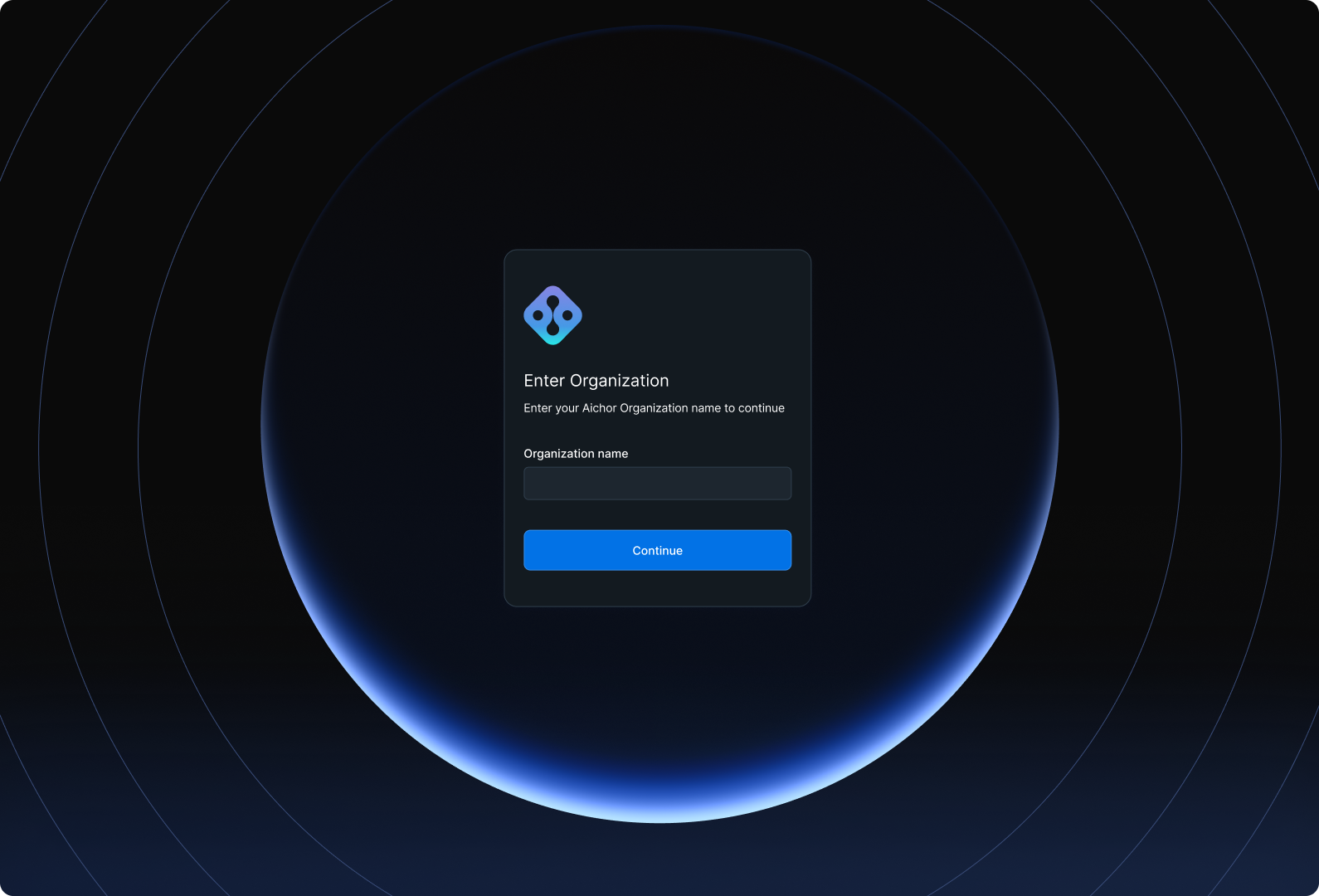
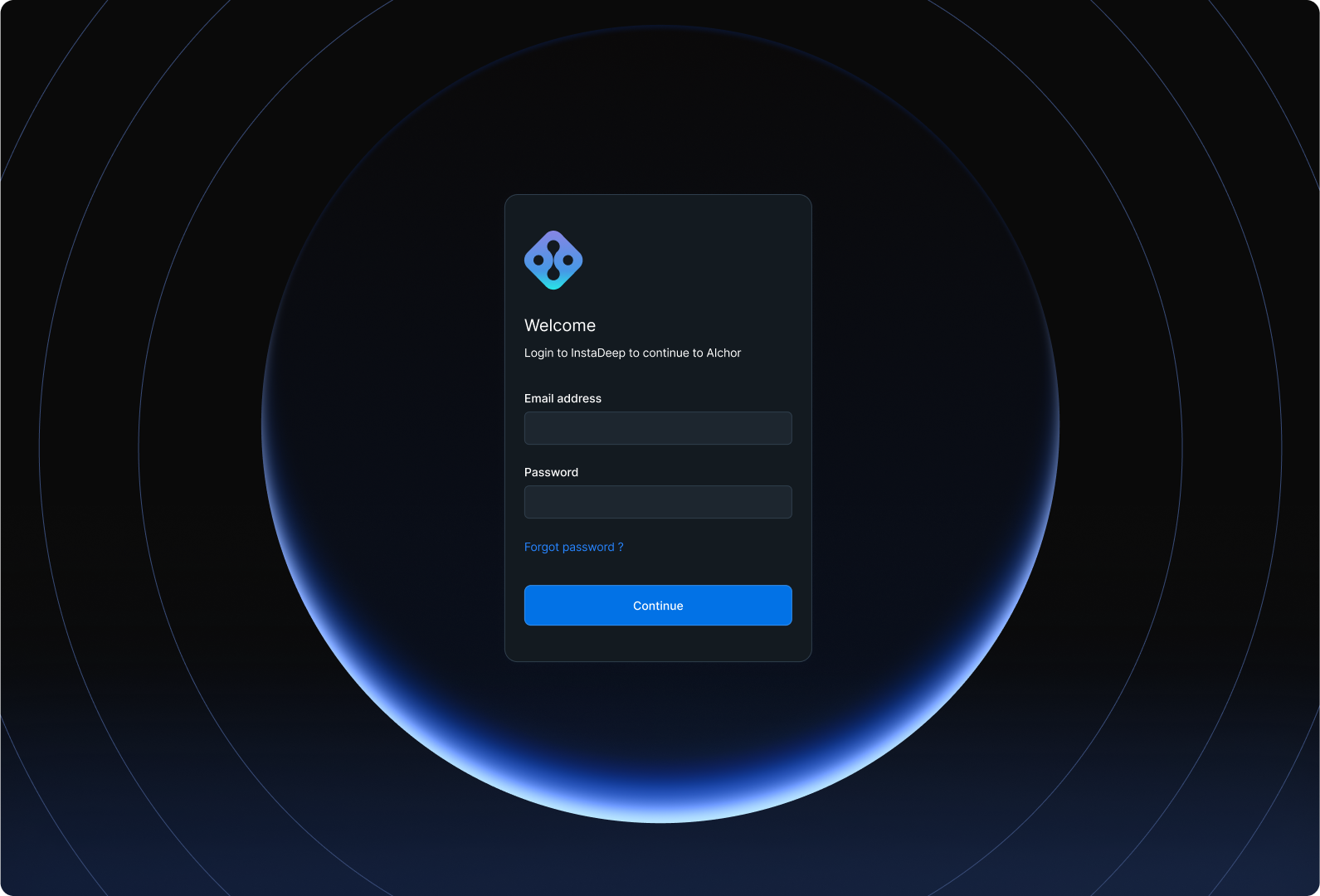
Log in by providing the organisation name and user credentials:
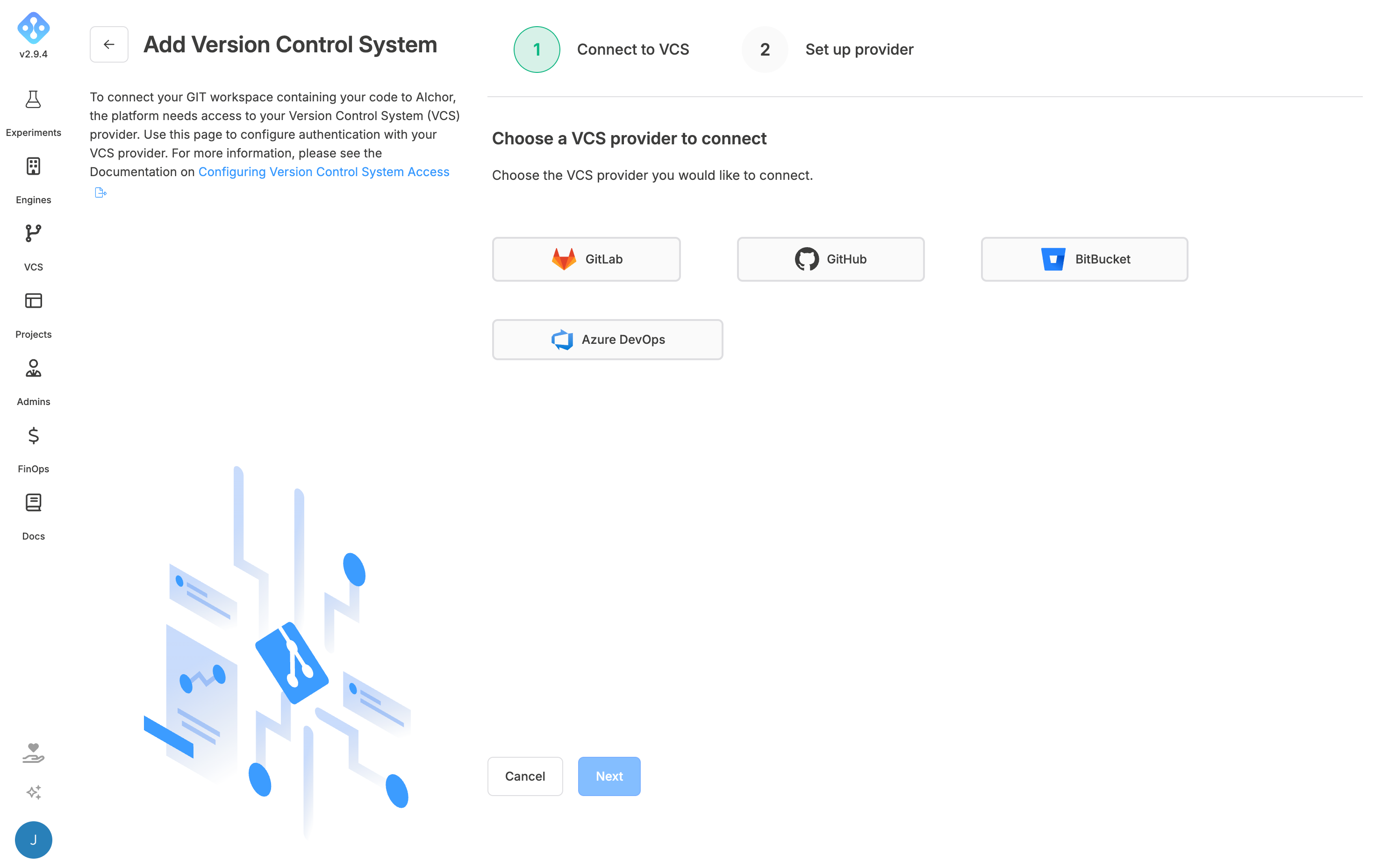
2.2 — Add a VCS provider
Navigate to VCS Providers and add the Git host. See VCS Providers for provider-specific OAuth setup steps.
2.3 — Create a project
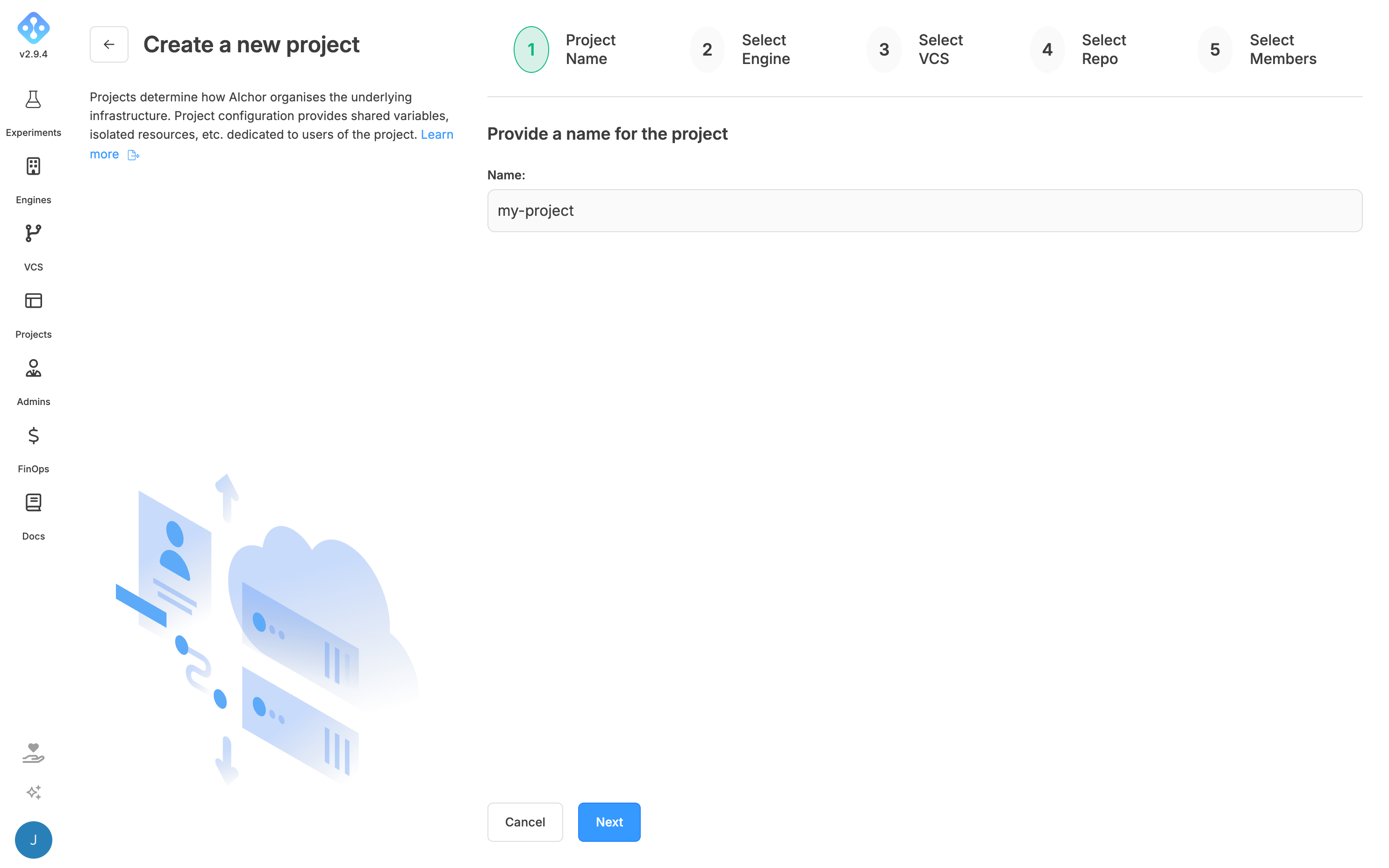
Navigate to Projects → Create New Project. Select the engine configured by the infrastructure admin, the VCS provider added in the previous step, and the forked aichor-demo repository. See Creating a Project for details.
Finally, invite team members who will be working on the project and assign the appropriate permission level (User or Admin).
Step 3 — Trigger the first experiment
Wait until the project shows as ready.
Push a commit with EXP or exp at the start of the commit message:
git clone <repository-url>
git commit --allow-empty -m "aichor[manifest.yaml]: my first experiment"
git push
or
git clone <repository-url>
git commit --allow-empty -m "aichor(manifest.yaml): my first experiment"
git push
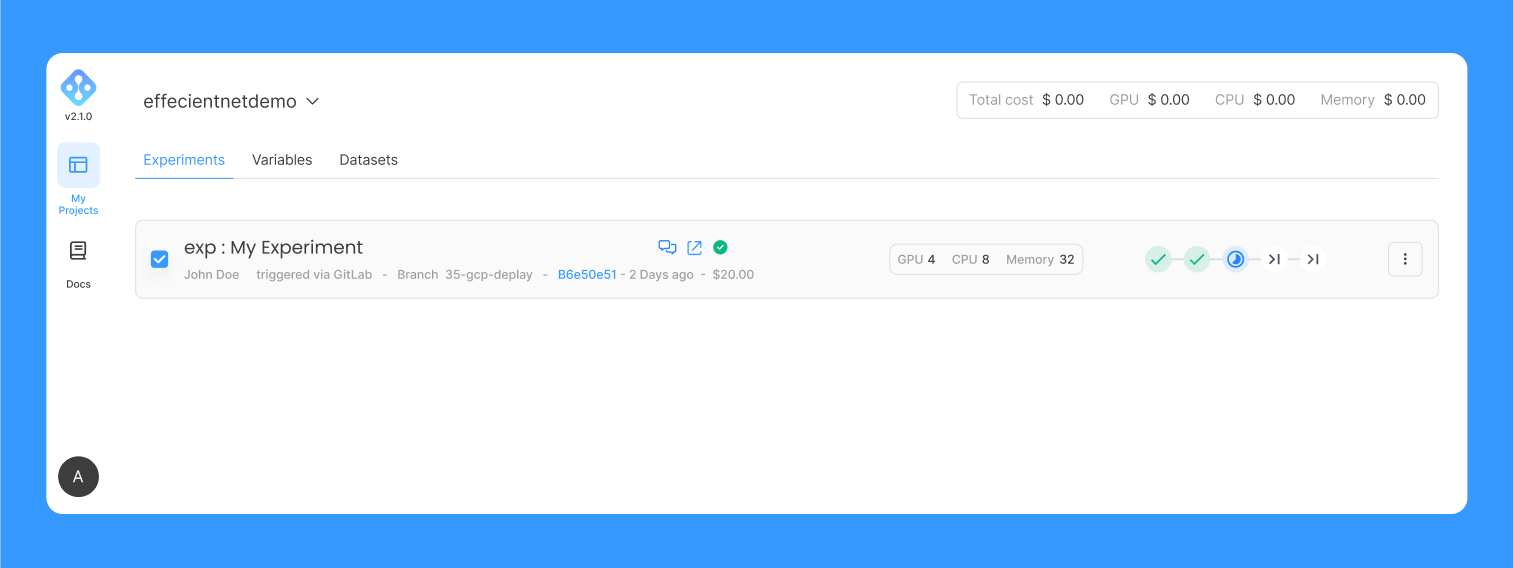
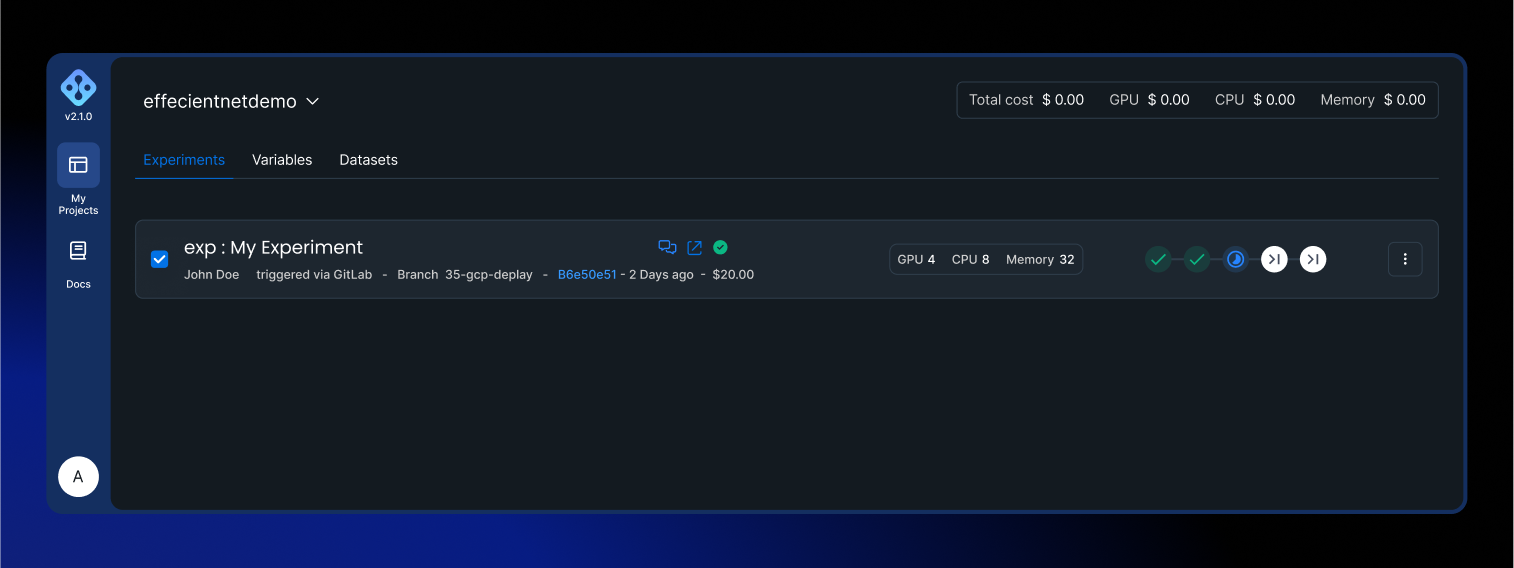
The experiment will appear in the dashboard within moments. The Logs, Metrics tabs can be used to monitor progress.