VCS Providers
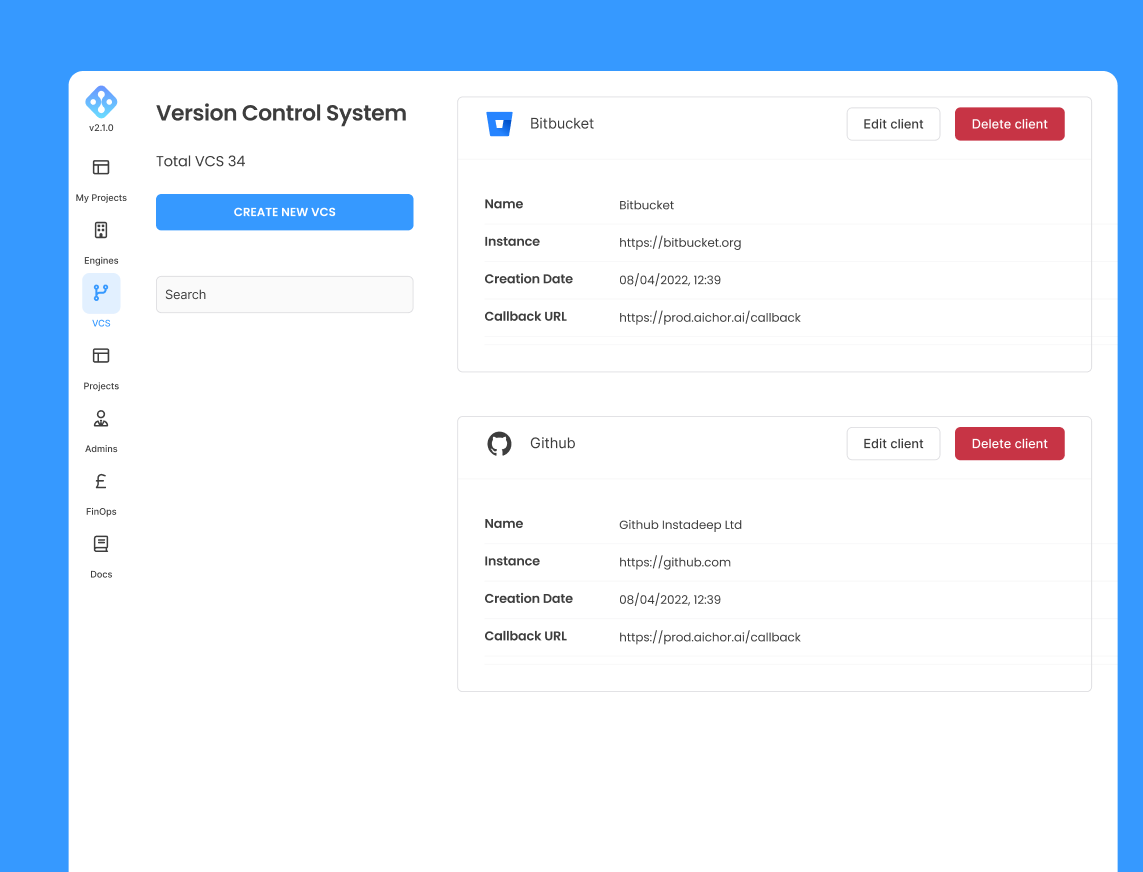
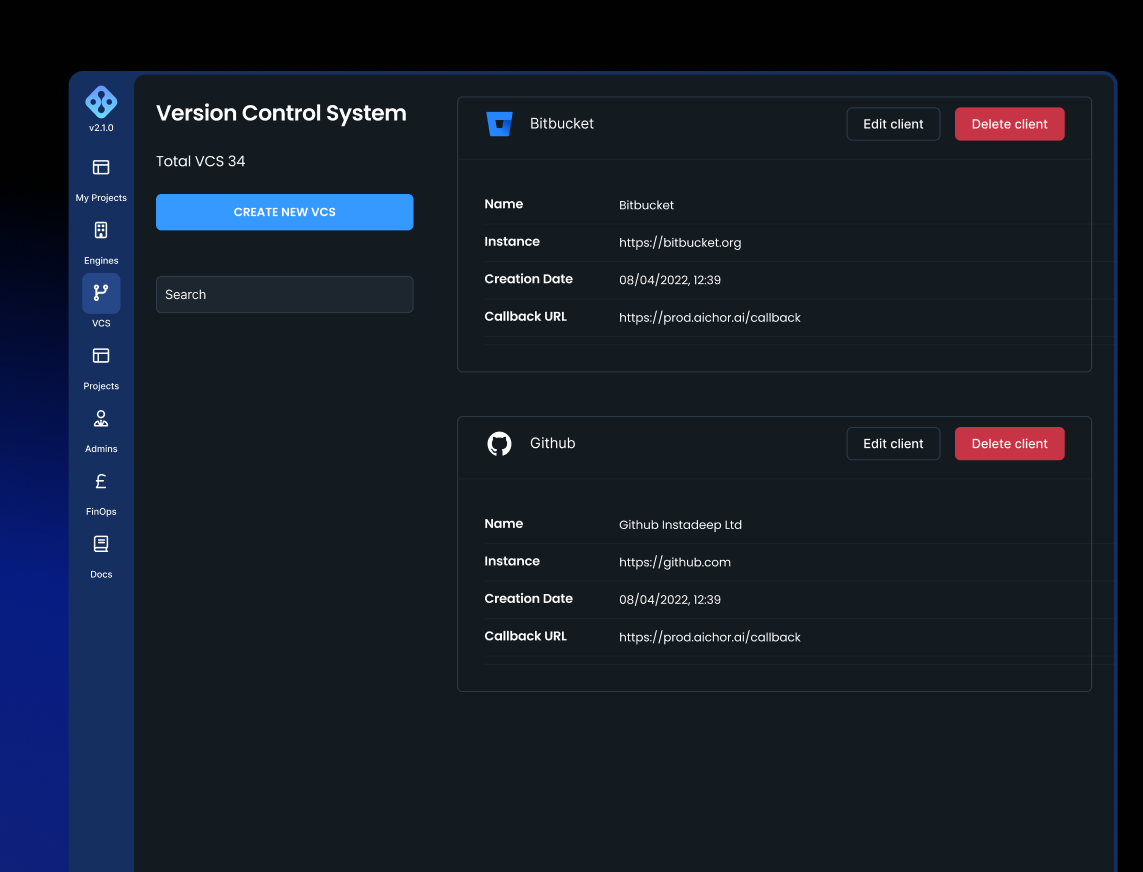
AIchor requires access to a Version Control System (VCS) provider to pull repositories and set up webhook integrations. This configuration must be in place before any projects can be created.
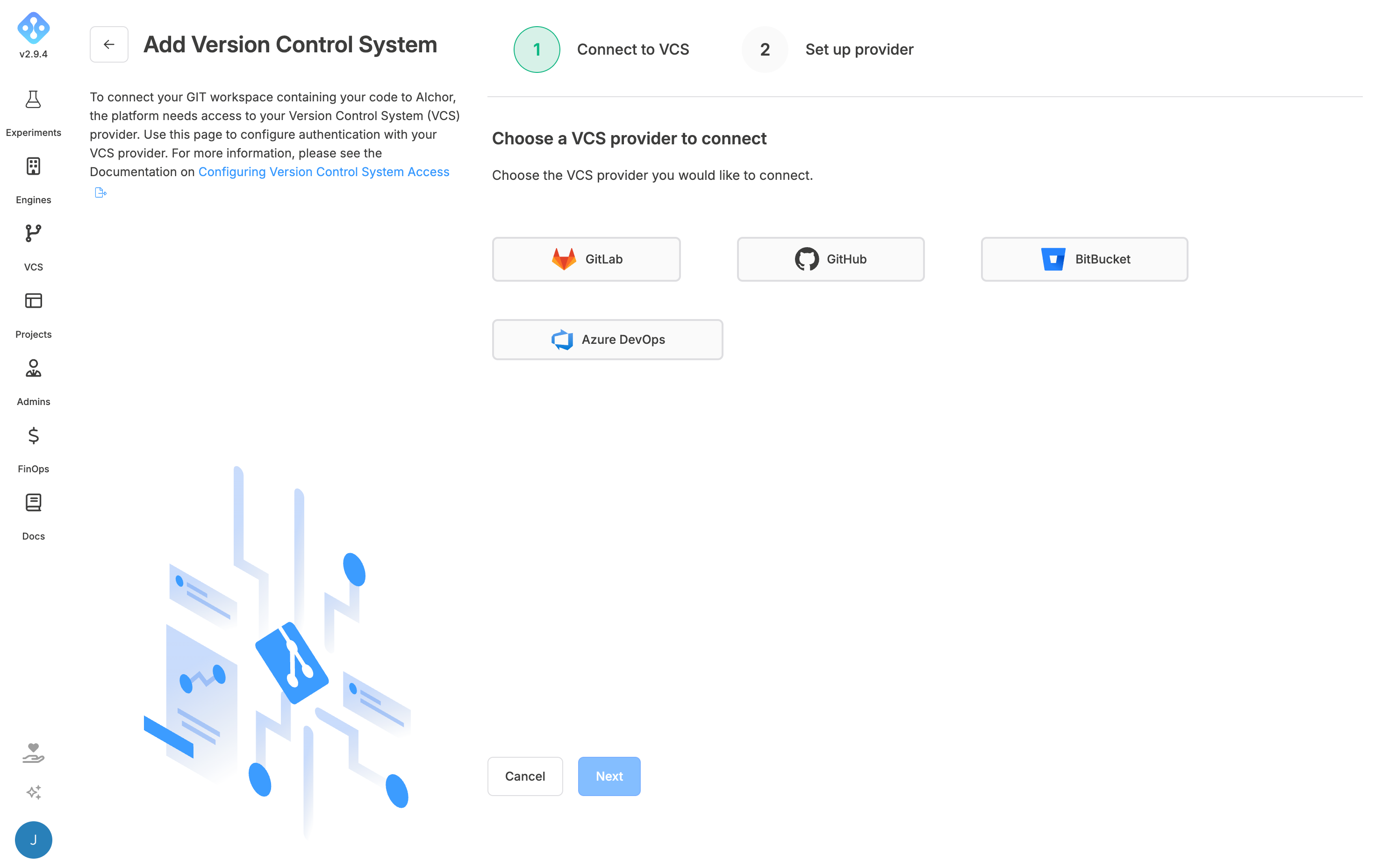
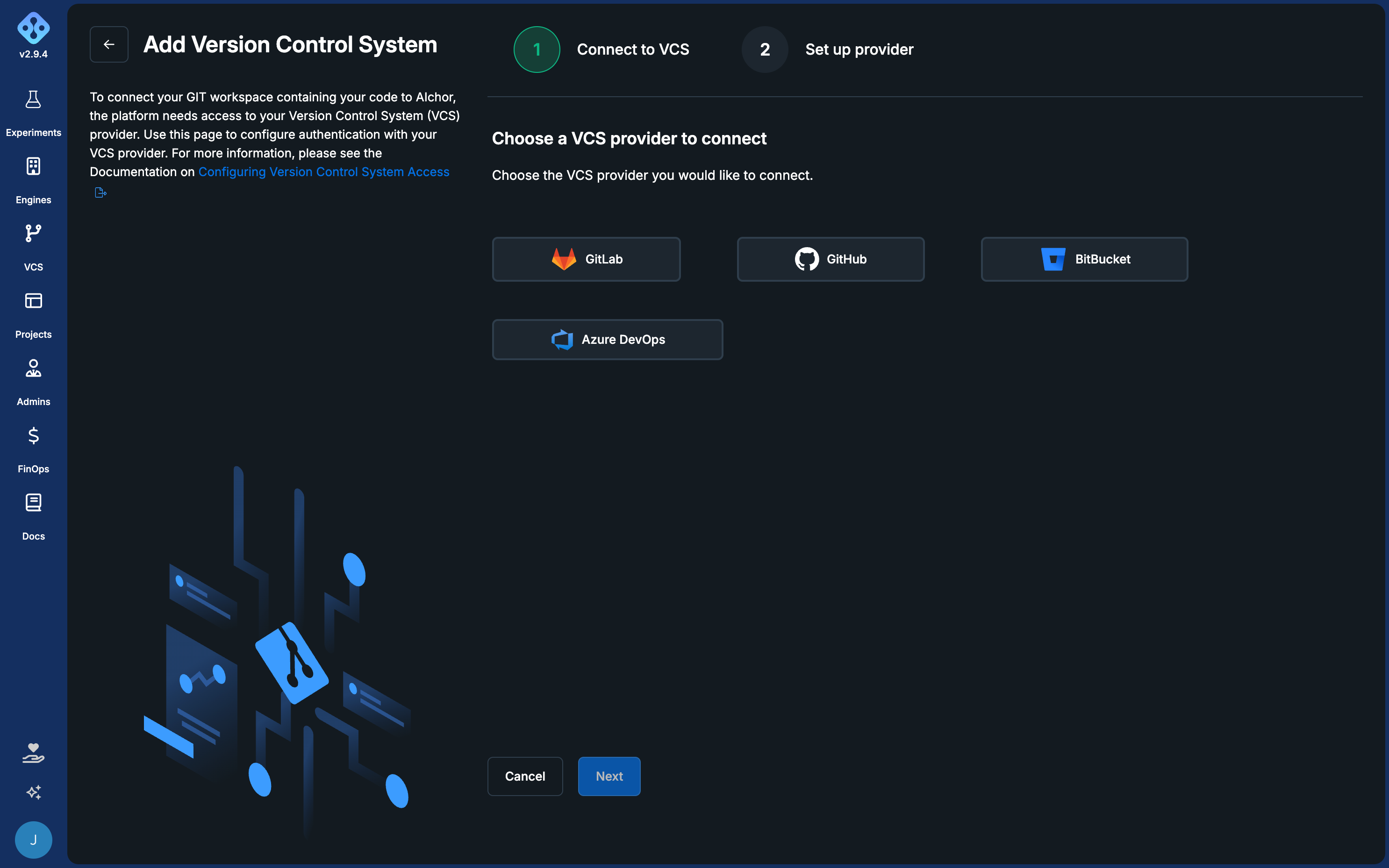
Supported providers are GitHub, GitLab, Bitbucket, and Azure DevOps. The VCS configuration is accessible from the Version Control System link in the top navigation menu.
A user must have access to the VCS repository before being added as a member of an AIchor project that uses it.
GitLab
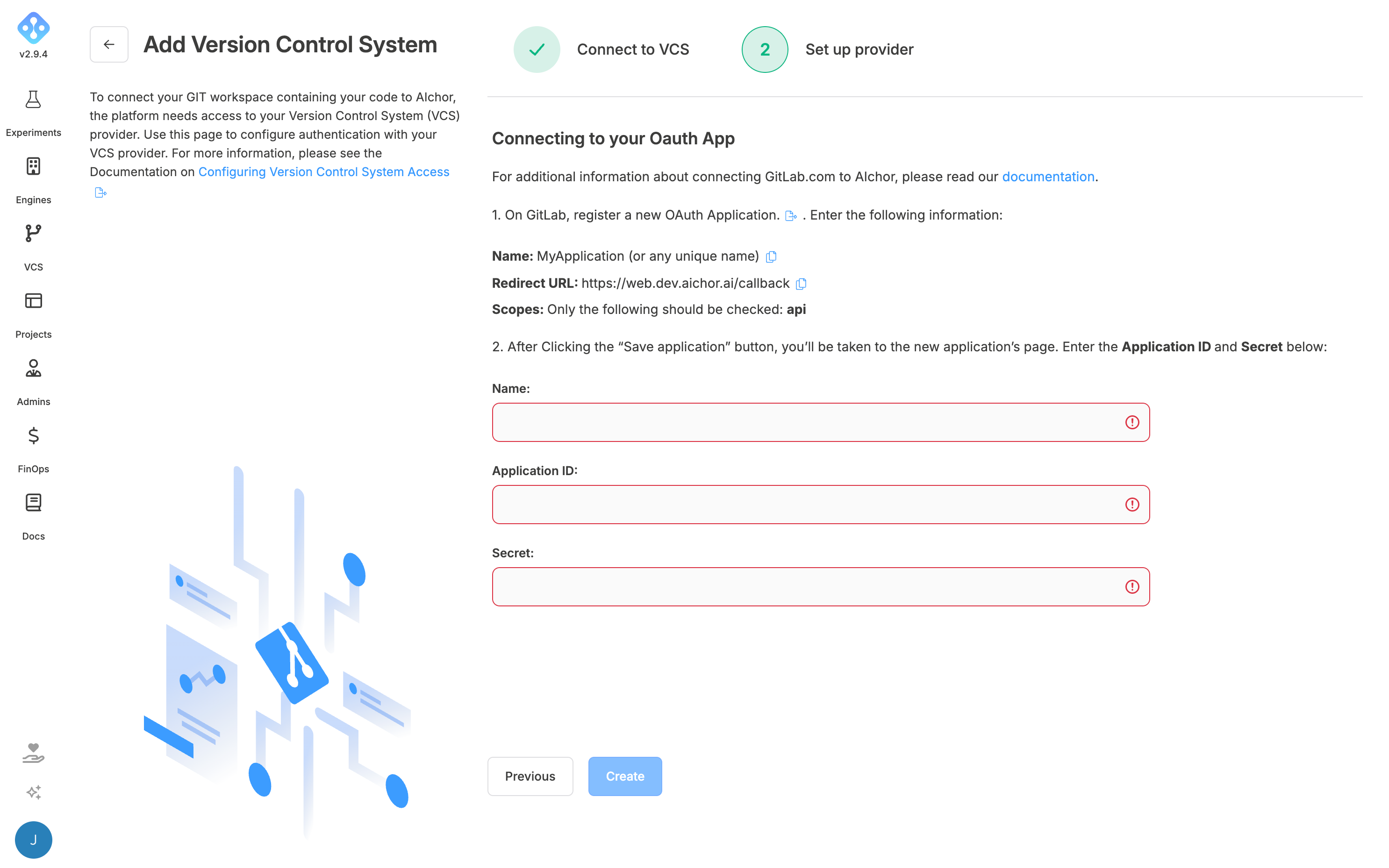
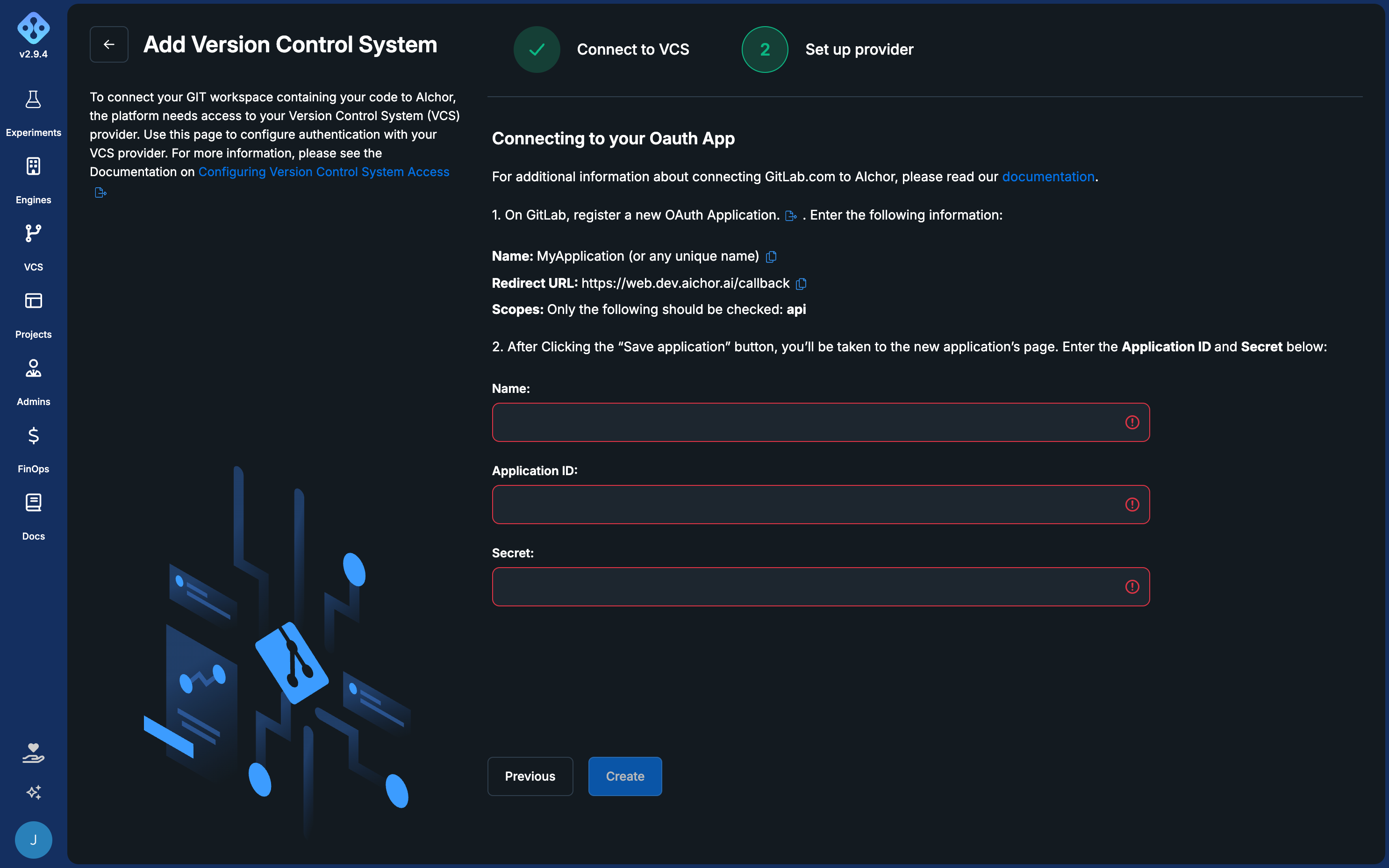
- Select GitLab and enter the instance URL if using a self-hosted installation, then click Next.
- Click the link next to "register a new OAuth Application" to open GitLab in a new tab.
- In GitLab, click Add new application and fill in:
- Name: a descriptive name for the integration
- Redirect URI: the callback URL shown in AIchor
- Scopes: select
api(grants complete read/write access to the API, groups, projects, container registry, and package registry)
- After saving, GitLab displays the Application ID and Secret. Copy both values into AIchor along with the same name entered in GitLab, then click Create.
GitHub
Note: A GitHub organisation administrator must create the VCS integration on AIchor and grant access to the relevant repositories.
-
Select GitHub and click Next.
-
Click the Register App button to open GitHub in a new tab.
-
Fill in the application name and enter the callback URL provided by AIchor.
-
Choose whether to grant access to selected repositories or all repositories in the GitHub organisation.
-
Enter the app name in AIchor and click Create.
Bitbucket
- Open the Bitbucket workspace settings, navigate to OAuth consumers, and click Add OAuth consumer.
- Fill in:
- Name: a descriptive name
- Callback URL: the URL shown in AIchor
- URL: the URL shown in AIchor
- After saving, Bitbucket displays the consumer key and secret. Copy both into AIchor along with the same name entered in Bitbucket, then click Create.
Azure DevOps
-
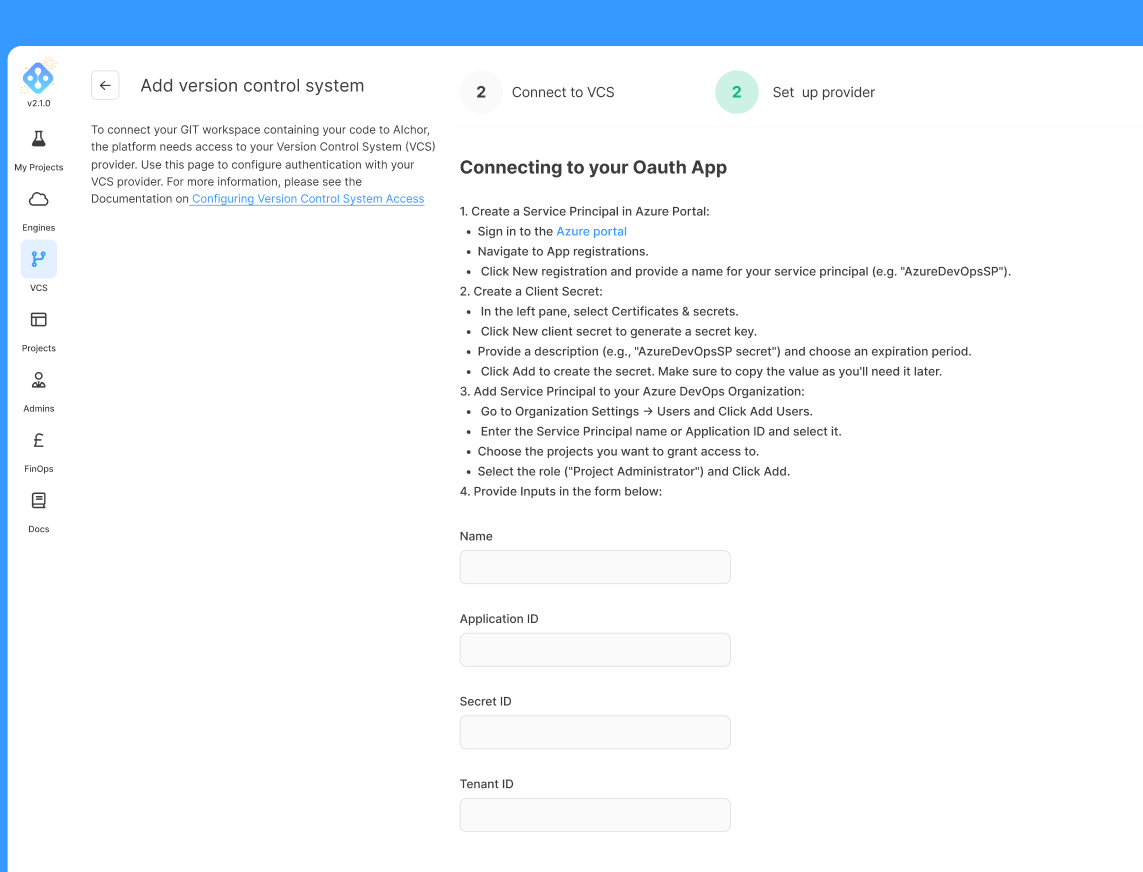
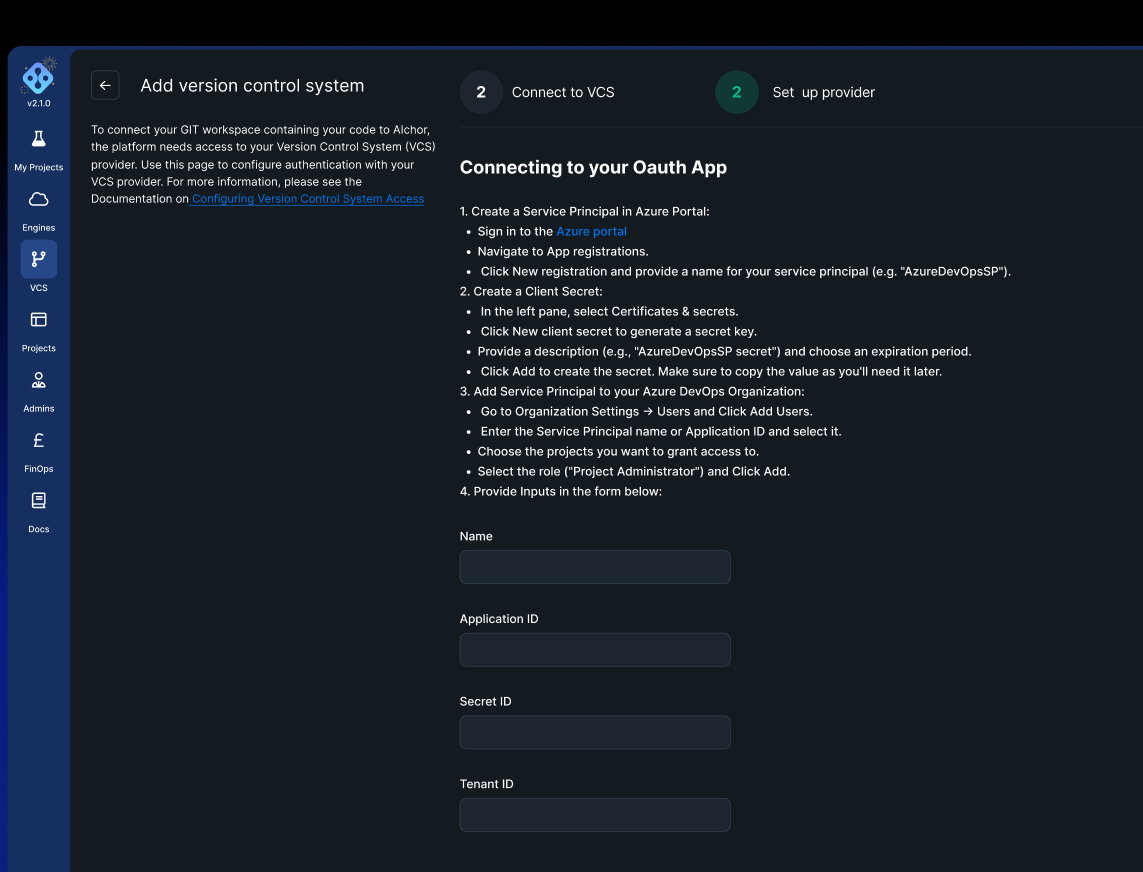
Select Azure DevOps in the VCS configuration screen.
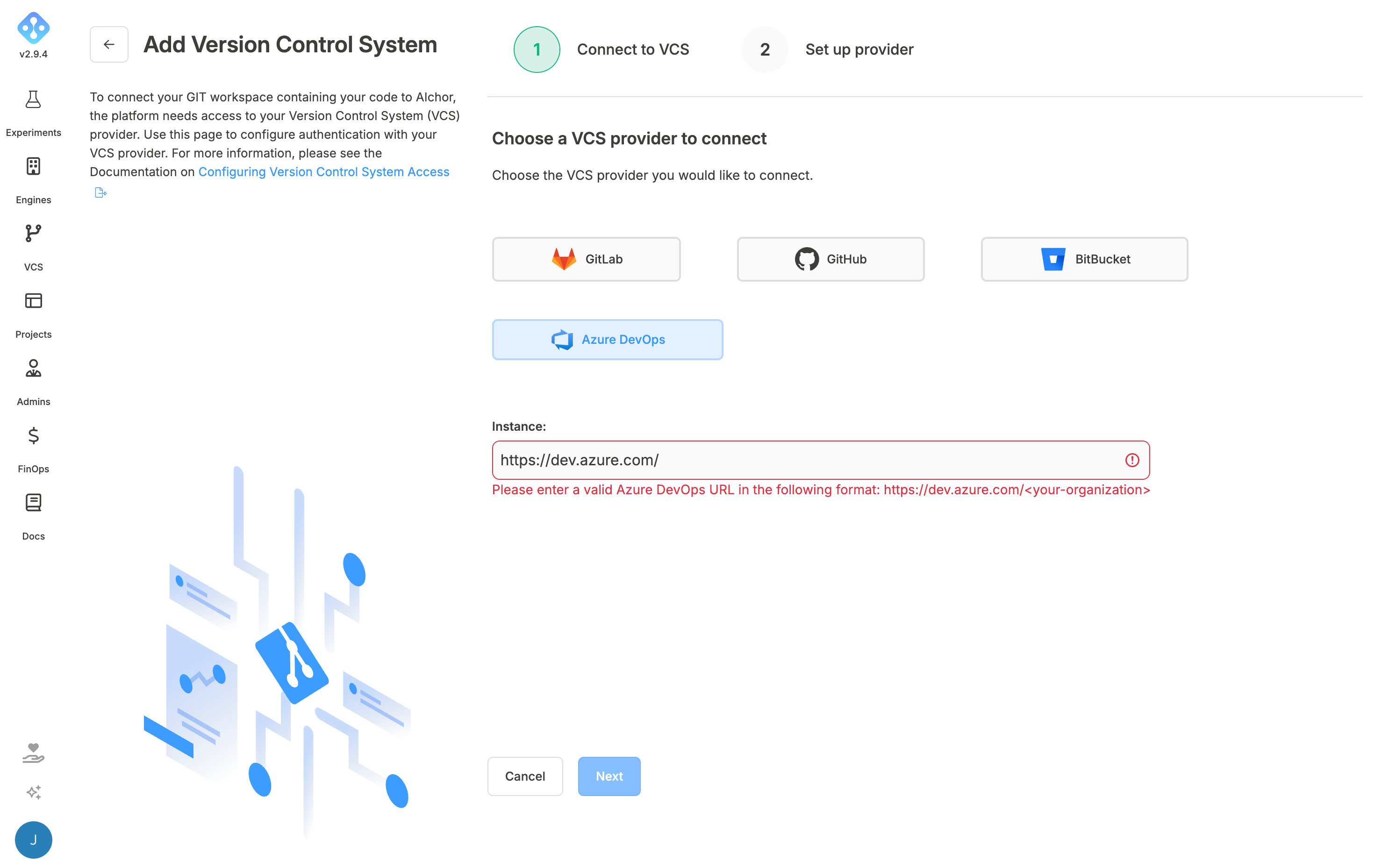
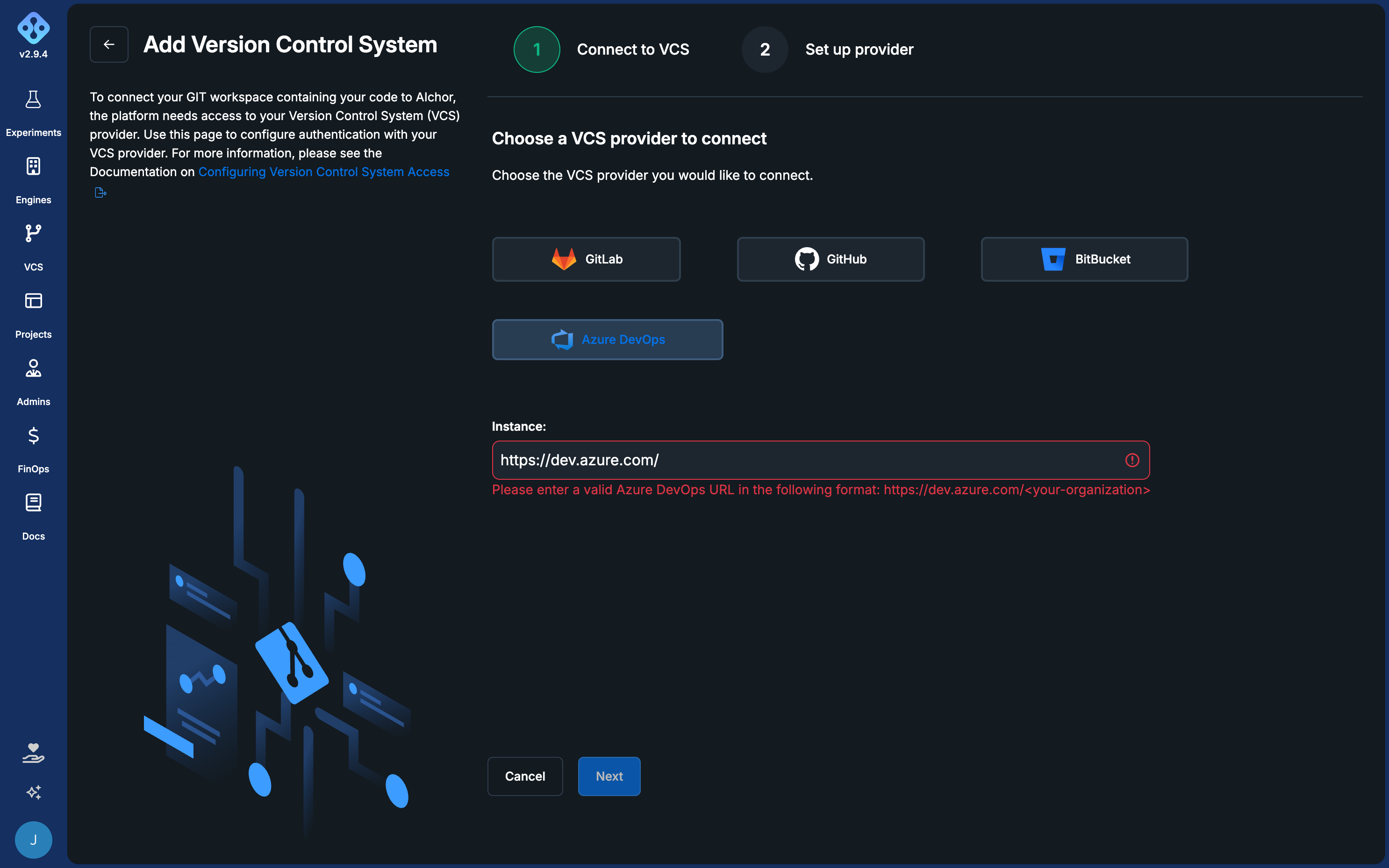
-
Follow the steps shown in the interface:
-
In the Azure portal, go to App Registrations and click New registration. Enter a name and select the Single tenant option, then register the application.
-
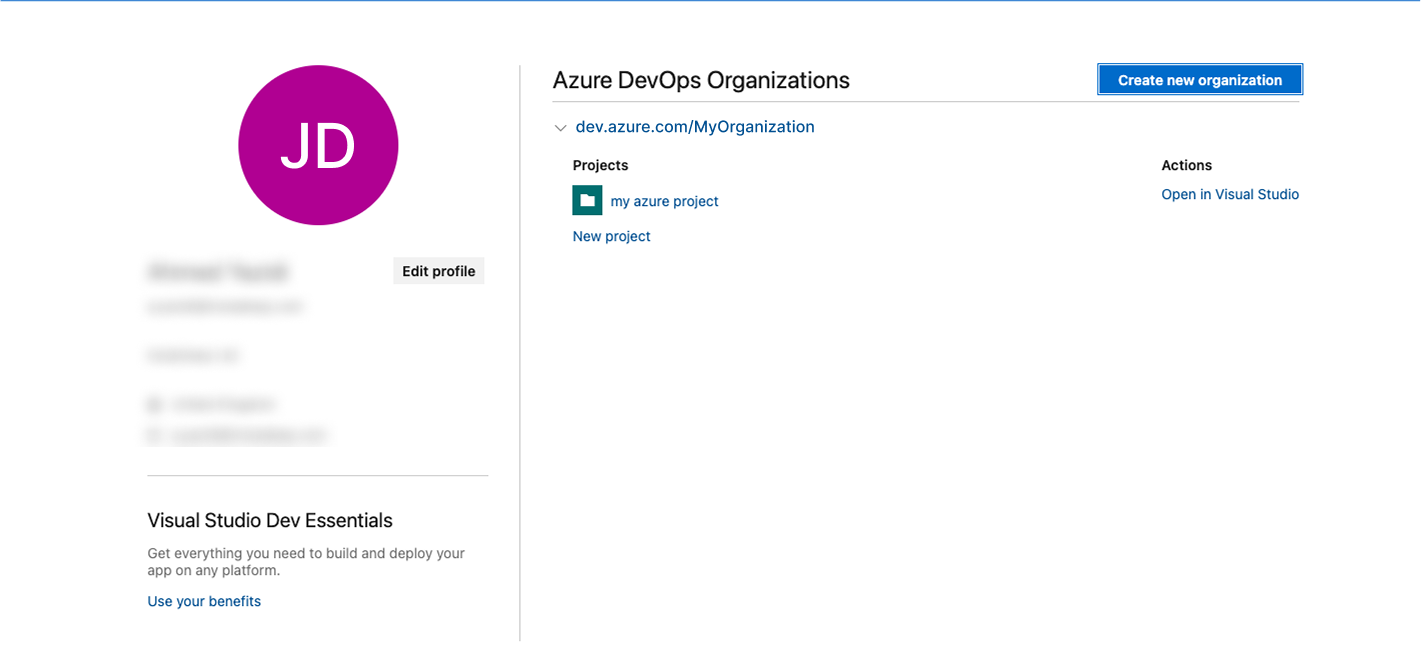
Search for Azure DevOps organizations in the Azure console and navigate to My Azure Organizations.

-
Create a new organisation.
-
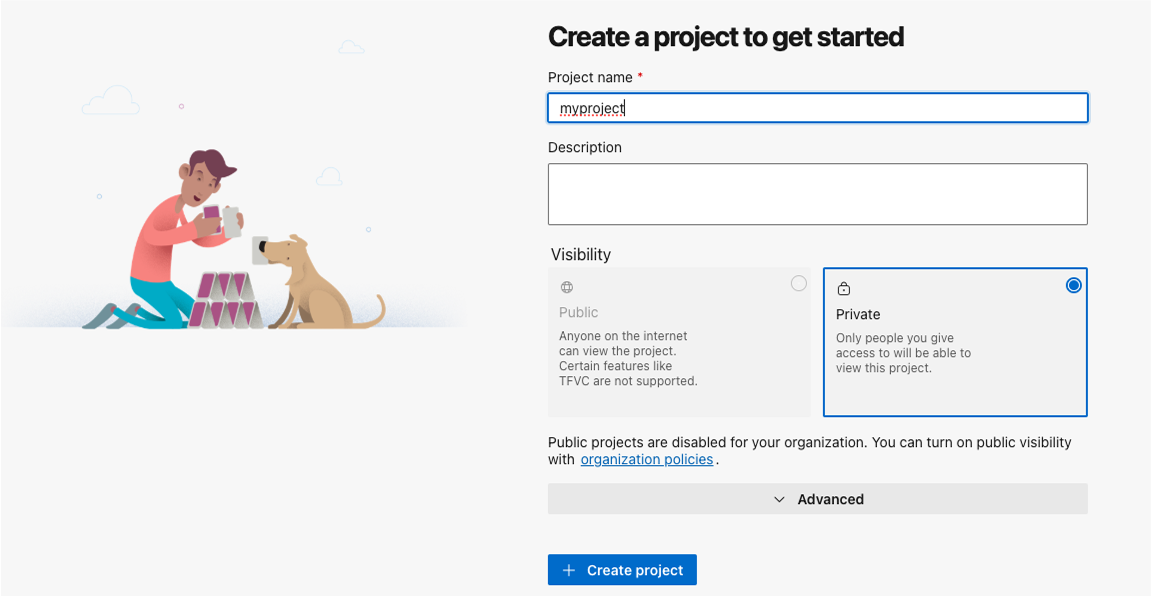
Inside that organisation, create a new project.
-
Open Organization settings (bottom left corner) and add the registered application as a user. Set Access level to Basic, select the project created in the previous step, set the role to Project Administrator, and click Add.
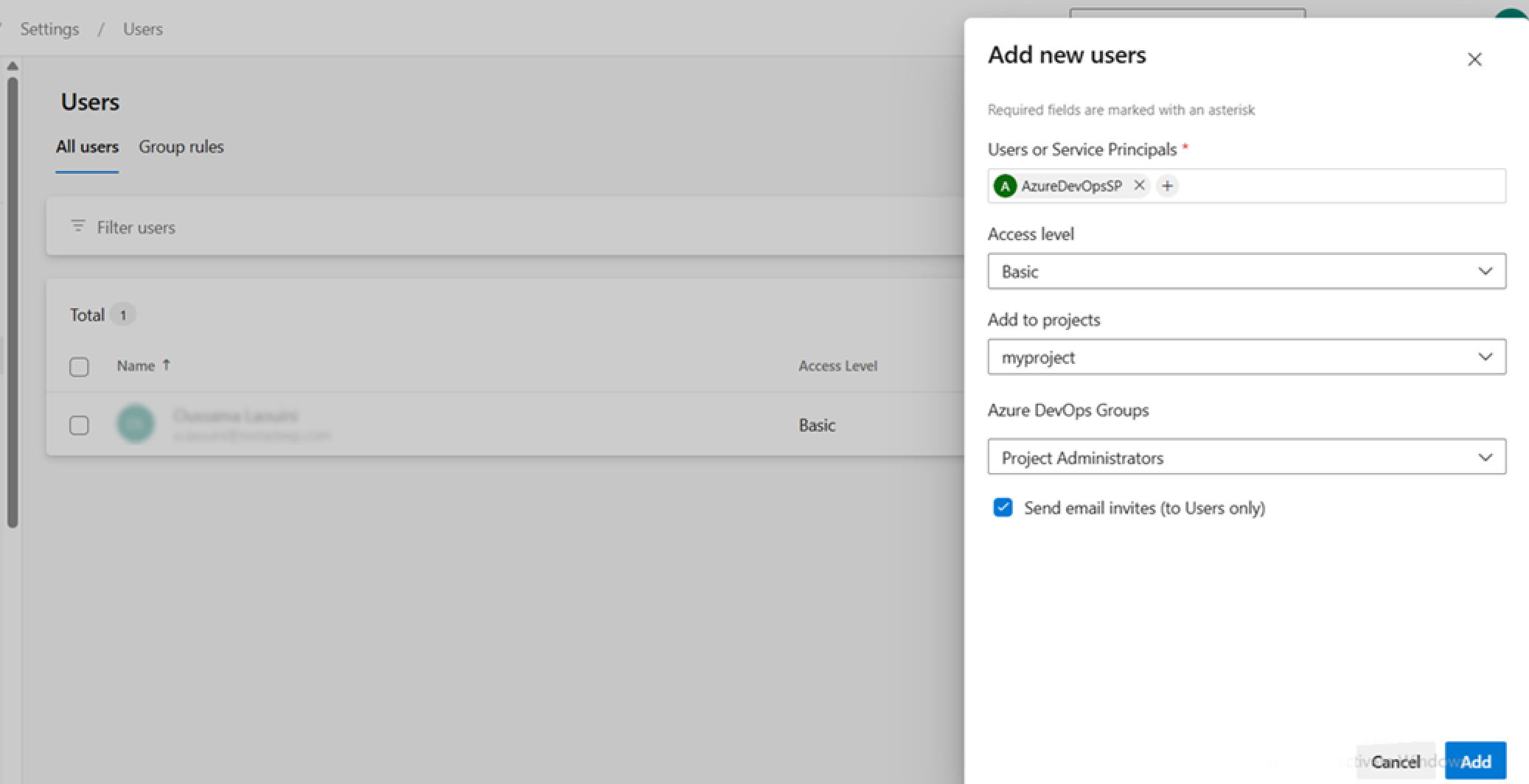
-
Copy the Application ID from the registered Azure app into AIchor and complete the setup.
Removing a VCS provider
A VCS provider can be removed from an organisation provided no projects are currently associated with it. The delete option is accessible from the Version Control System link in the top navigation menu.