Projects
A project links a version-control repository to one or more engines, and it is the unit of access control in AIchor: regular users are granted access at the project level, not the organisation level. Adding someone to a project is what gives them a working AIchor account in your organisation.
Project roles
Within a project a member has one of two roles:
- Member — can work on the project: push commits, trigger and monitor experiments, manage variables and access project storage.
- Project admin — everything a member can do, plus management of the project itself (its members, engines, repository and configuration).
Adding users to a project
Project members are managed by an administrator from the project's admin view, under the Users tab. Because a project is tied to a repository, AIchor reads the list of users who have access to that repository from your version-control provider (GitHub, GitLab, Bitbucket or Azure DevOps), so you invite people directly from that list.
To add users:
- Open the project and go to its Users tab. AIchor shows the users it found on the linked repository, split into those already invited to the project and those not yet invited.
- Select one or more users from the not-yet-invited list and add their email.
- Choose whether each user should be a project admin or a regular user.
- Send the invitations.
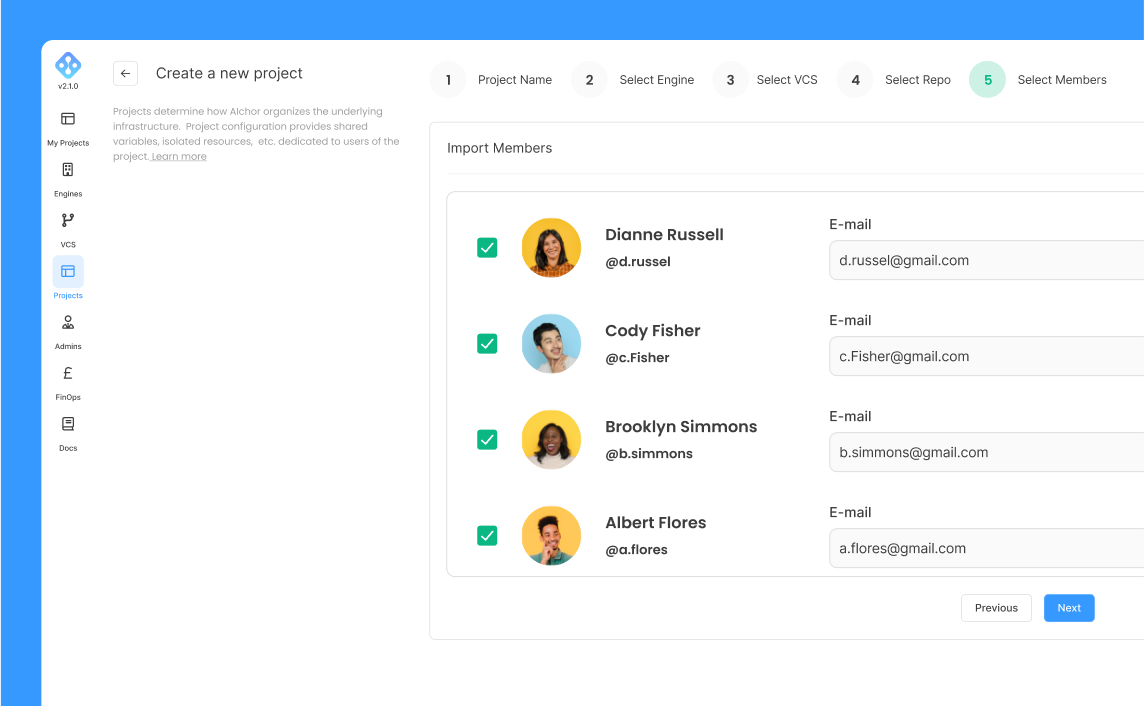
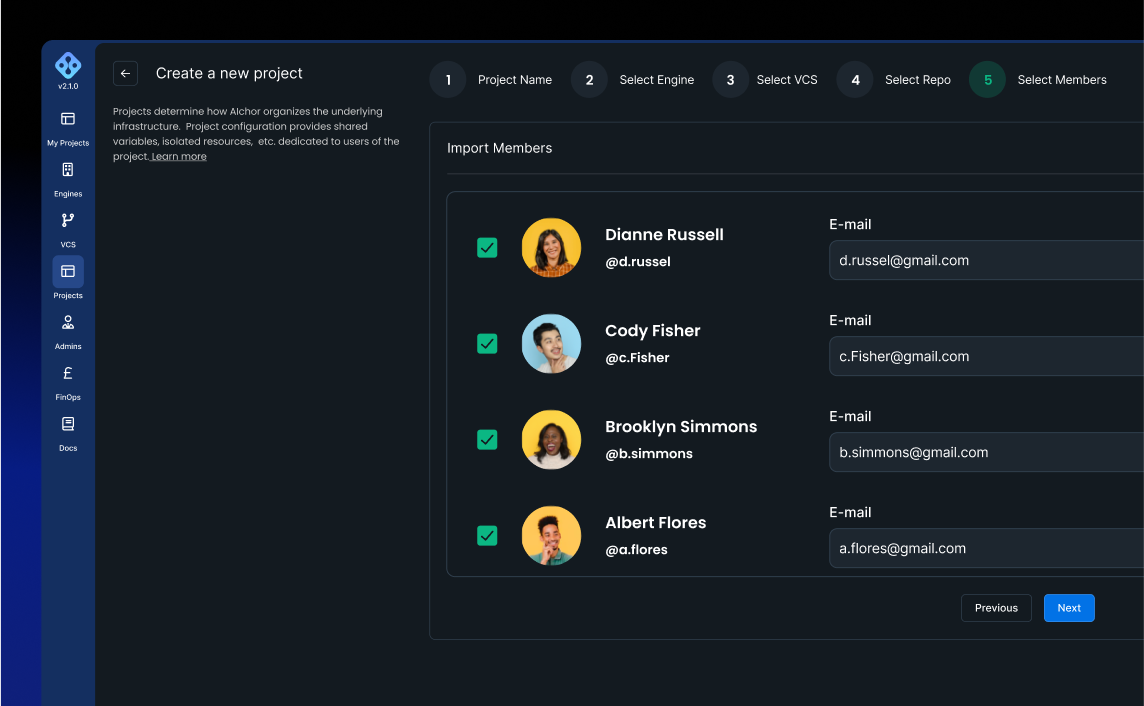
If a user does not belong to an organization at that point, they will receive two emails: one to join the organization, and another to join the project.
Managing existing users in a project
In the admin view of the project Users tab you can manage people who already have access:
- Resend an invitation if the original one has expired.
- Promote or demote a member to or from project admin.
- Remove a member from the project.
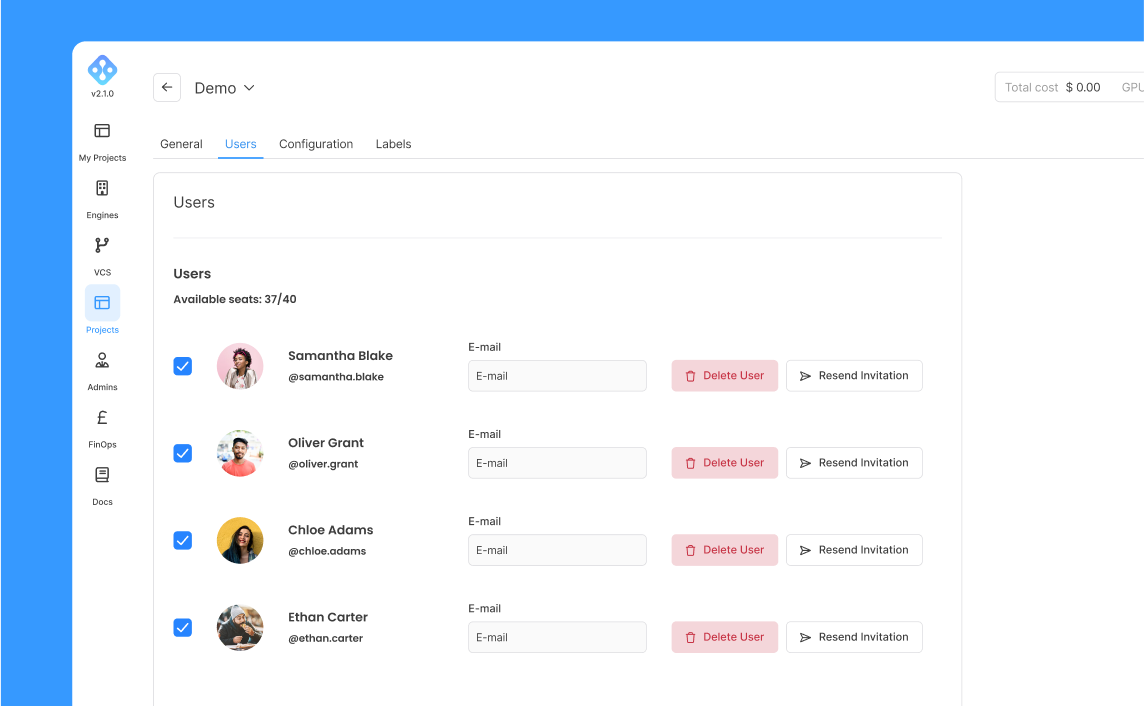
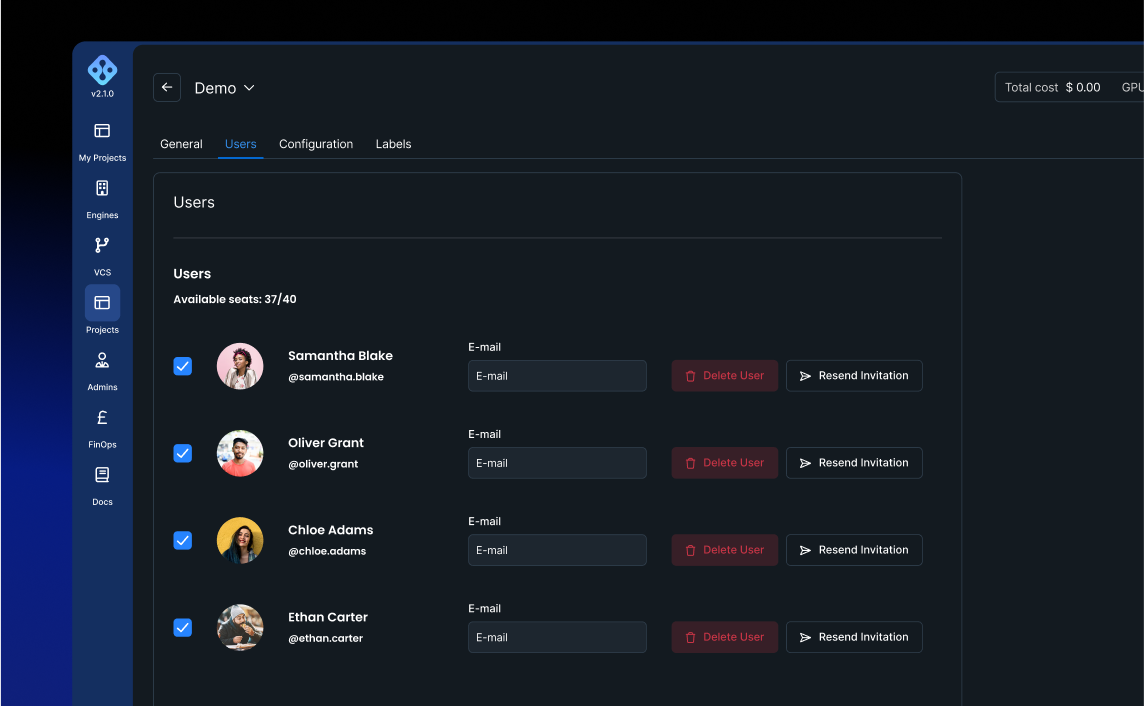
Inviting and managing project members requires the appropriate admin permissions. See Roles & Permissions for which roles can manage project members, and Managing Admins for how admin access itself is granted.