API Token
Accessing AIchor programmatically requires an API token. Tokens are used to authenticate with the AIchor CLI and to integrate AIchor with third-party tools or pipelines.
Generating a token
To access the API token page, click the handle in the bottom-left corner of the AIchor UI and select Credentials.
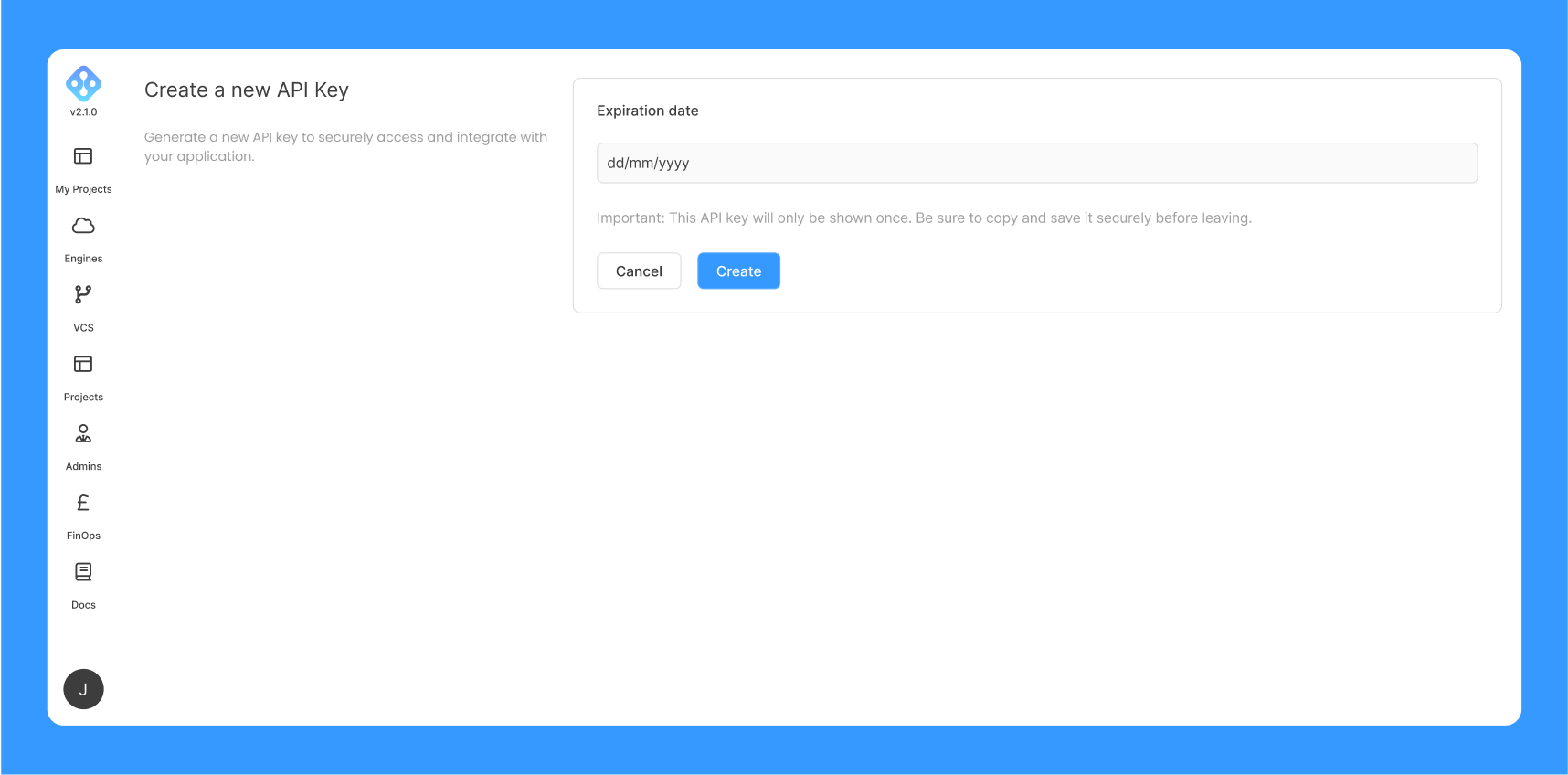
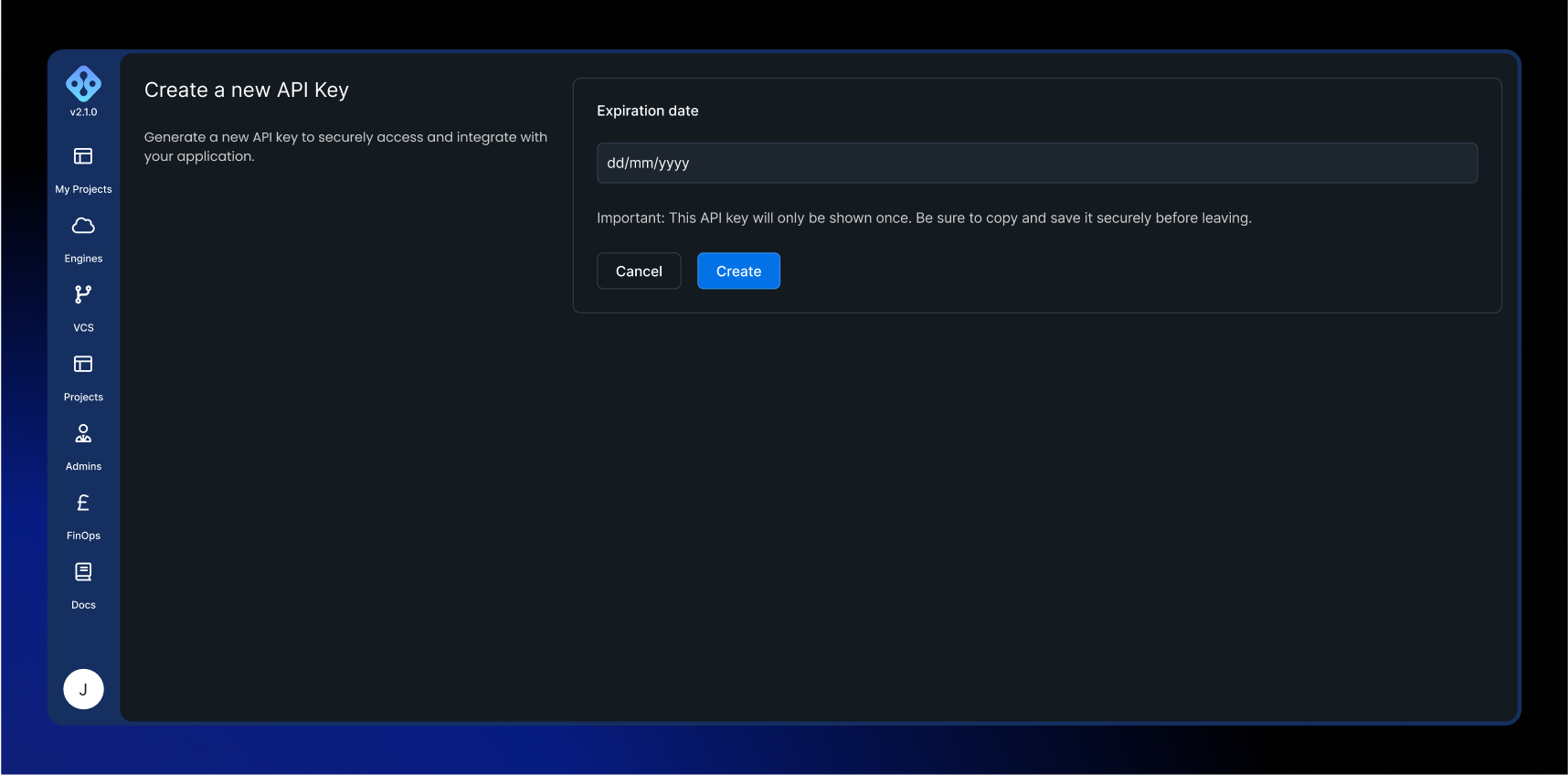
On the Create a new API Key page, optionally choose an expiration date and click Create. The generated key is shown only once — copy and store it somewhere safe before leaving the page.
Each user can have one active API token at a time. Creating a new token replaces any existing one.
Permissions
A token inherits the permissions of the user who created it, captured at the moment of creation. It can perform exactly the API actions that user can perform through the UI.
A token is bound to the user and the organisation it was created in. It cannot be used to act on a different organisation, and it does not grant access beyond the projects the user is a member of.
Token lifetime
Setting an expiration date is optional:
- No expiration date — the token never expires and stays valid until it is revoked.
- An expiration date — the token stops working after that date. The date must be in the future.
There is no way to extend an existing token. To change a token's expiry, revoke it and create a new one.
Revoking a token
To revoke a token, return to the Credentials page and click Revoke. AIchor asks you to confirm, warning that the action permanently revokes the API key. Once revoked, the token can no longer authenticate, and any tool or pipeline using it must be updated with a newly generated token.