Bucket Operations
Operations on project buckets can be performed from the Web, the AIchor UI, via the AIchor CLI, the AWS CLI (for S3-compatible backends), or Python libraries. The AIchor CLI is the recommended approach for scripting as it handles authentication automatically.
Web
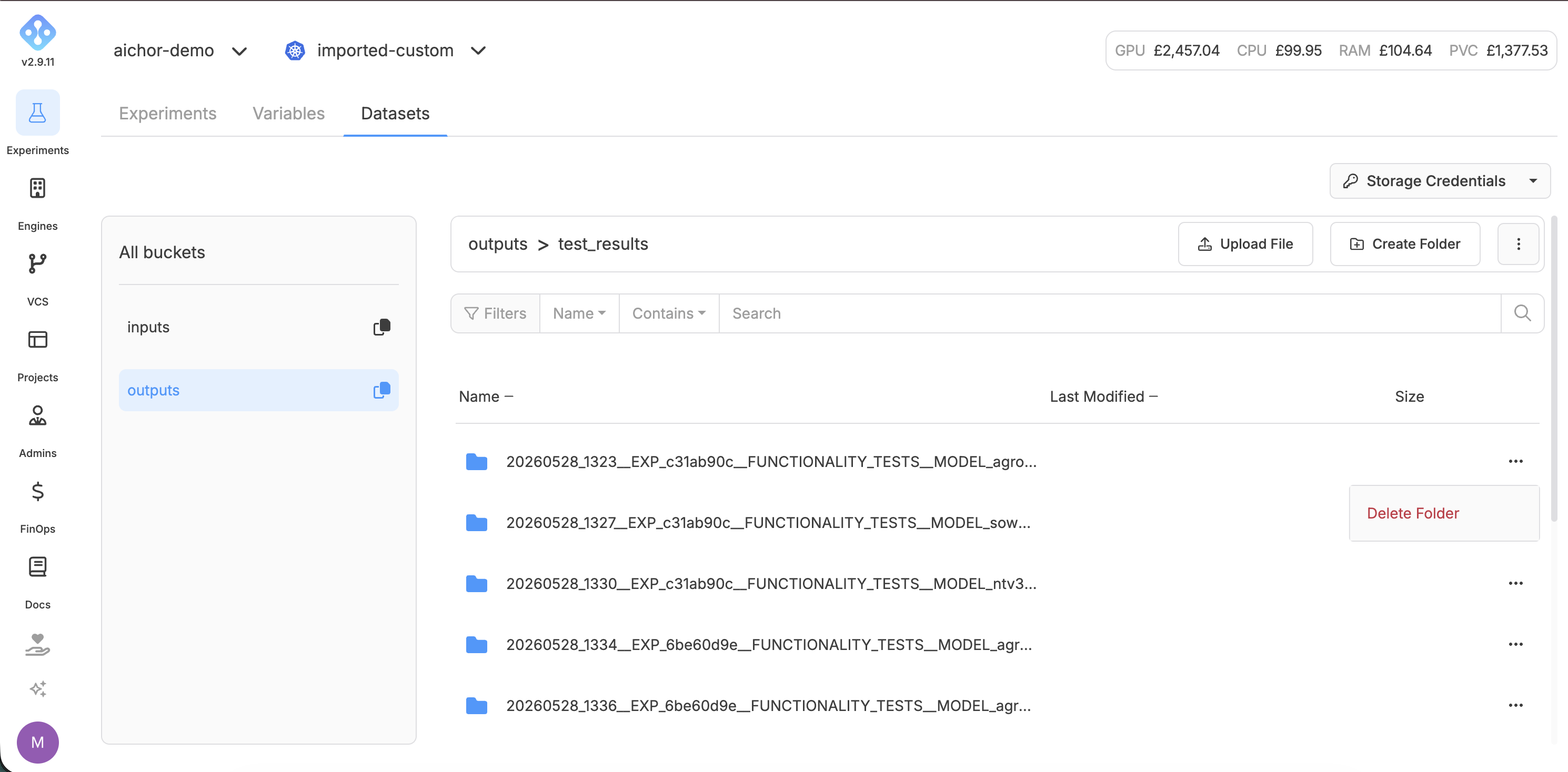
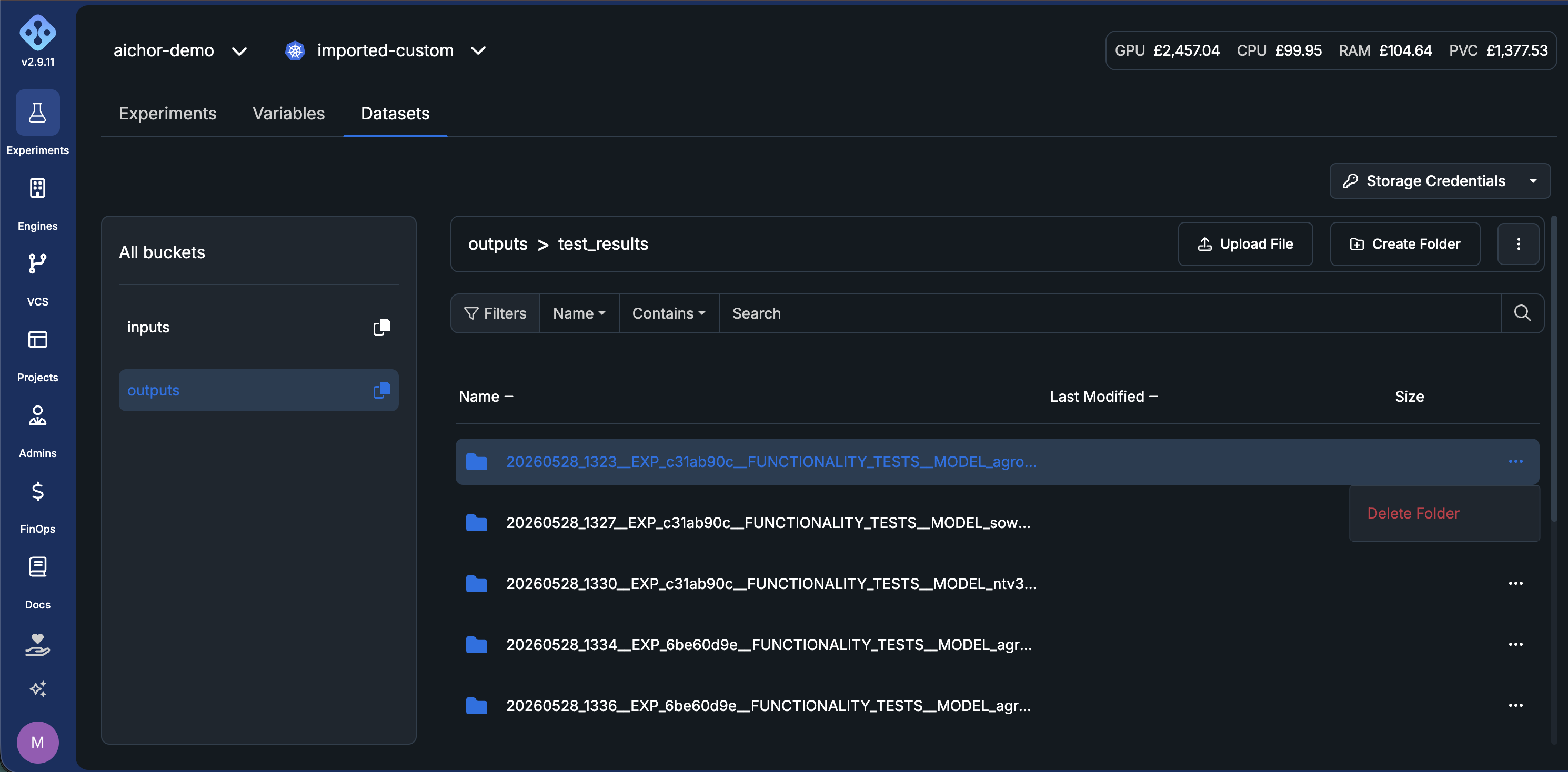
Bucket operations such as uploading, downloading, and deleting files and directories can be performed from the AIchor UI, in the Datasets tab of the experiments page.
AIchor CLI
All storage commands live under aichor storage cloud. See the full command reference for all flags and options.
Get credentials
Fetch the current credentials for a project's buckets:
aichor storage cloud storage-credentials --project-name my-project
List buckets
aichor storage cloud list --project-name my-project
Browse bucket contents
aichor storage cloud list-contents --project-name my-project --storage-id <bucket-id>
aichor storage cloud list-contents --project-name my-project --storage-id <bucket-id> --path data/
Create a directory
aichor storage cloud mkdir --project-name my-project --storage-id <bucket-id> --path data/my-dataset/
Upload files
Upload a single file:
aichor storage cloud upload \
  --project-name my-project \
  --storage-id <bucket-id> \
  --src path/to/local/file.csv \
  --dst data/file.csv
Upload a directory recursively:
aichor storage cloud upload \
  --project-name my-project \
  --storage-id <bucket-id> \
  --src path/to/local/dir/ \
  --dst data/my-dataset/ \
  --recursive
Download files
aichor storage cloud download \
  --project-name my-project \
  --storage-id <bucket-id> \
  --src data/file.csv \
  --dst ./local-output/

aichor storage cloud download \
  --project-name my-project \
  --storage-id <bucket-id> \
  --src results/ \
  --dst ./local-output/ \
  --recursive
Copy between buckets
aichor storage cloud cp \
  --project-name my-project \
  --src-storage-id <input-bucket-id> \
  --src-path data/file.csv \
  --dst-storage-id <output-bucket-id> \
  --dst-path archive/file.csv
Delete files
Use --dry-run to preview what will be deleted before committing:
aichor storage cloud rm \
  --project-name my-project \
  --storage-id <bucket-id> \
  --path old-data/ \
  --recursive \
  --dry-run

# Remove the --dry-run flag to execute
aichor storage cloud rm \
  --project-name my-project \
  --storage-id <bucket-id> \
  --path old-data/ \
  --recursive
For a worked end-to-end example covering all common operations, see the Storage Operations example script.
AWS CLI
The AWS CLI works with all S3-compatible backends (GCP, AWS, and on-premises Ceph). Credentials must first be retrieved via the AIchor CLI or web interface and configured via aws configure.
Install the AWS CLI
Run aws configure and enter the access key and secret key. Leave the default region and output format empty. The bucket ID and endpoint URL are available from the Dataset tab in the AIchor web interface.
List objects in a bucket:
aws s3 ls s3://$BUCKET --endpoint-url $AWS_ENDPOINT_URL
Upload a file:
aws s3 cp file_to_upload.csv s3://$BUCKET/data/ --endpoint-url $AWS_ENDPOINT_URL
Download a file:
aws s3 cp s3://$BUCKET/data/file.csv . --endpoint-url $AWS_ENDPOINT_URL
Download a folder:
aws s3 cp s3://$BUCKET/data/ . --recursive --endpoint-url $AWS_ENDPOINT_URL
Python libraries
Inside experiments, the AICHOR_INPUT_PATH, AICHOR_OUTPUT_PATH, and AWS_ENDPOINT_URL environment variables are available for use directly in code.
TensorFlow
Install the tensorflow-io library for S3 support:
import os
import tensorflow as tf
import tensorflow_io  # required in every file that reads/writes S3

INPUT_PATH = os.environ.get("AICHOR_INPUT_PATH", "input")
OUTPUT_PATH = os.environ.get("AICHOR_OUTPUT_PATH", "output")
LOGS_PATH = os.environ.get("AICHOR_TENSORBOARD_PATH", "logs")

tensorboard_callback = tf.keras.callbacks.TensorBoard(log_dir=LOGS_PATH, histogram_freq=1)

model.fit(
    ...,
    callbacks=[tensorboard_callback]
)
Pandas and Dask
Both libraries support S3 natively via s3fs. Install s3fs for built-in support:
import os
import pandas as pd

file_path = os.path.join(os.environ["AICHOR_INPUT_PATH"], "my_dataset.csv")

df = pd.read_csv(
    file_path,
    storage_options={"client_kwargs": {"endpoint_url": os.environ.get("AWS_ENDPOINT_URL")}}
)
Other libraries (s3fs)
For libraries that do not have built-in S3 support, s3fs provides file-like Python objects:
import os
import numpy as np
from s3fs.core import S3FileSystem

s3 = S3FileSystem(client_kwargs={"endpoint_url": os.environ.get("AWS_ENDPOINT_URL")})

file_path = os.path.join(os.environ.get("AICHOR_INPUT_PATH"), "my_dataset.npy")

with s3.open(file_path) as f:
    array = np.load(f)