Import On Premise engine
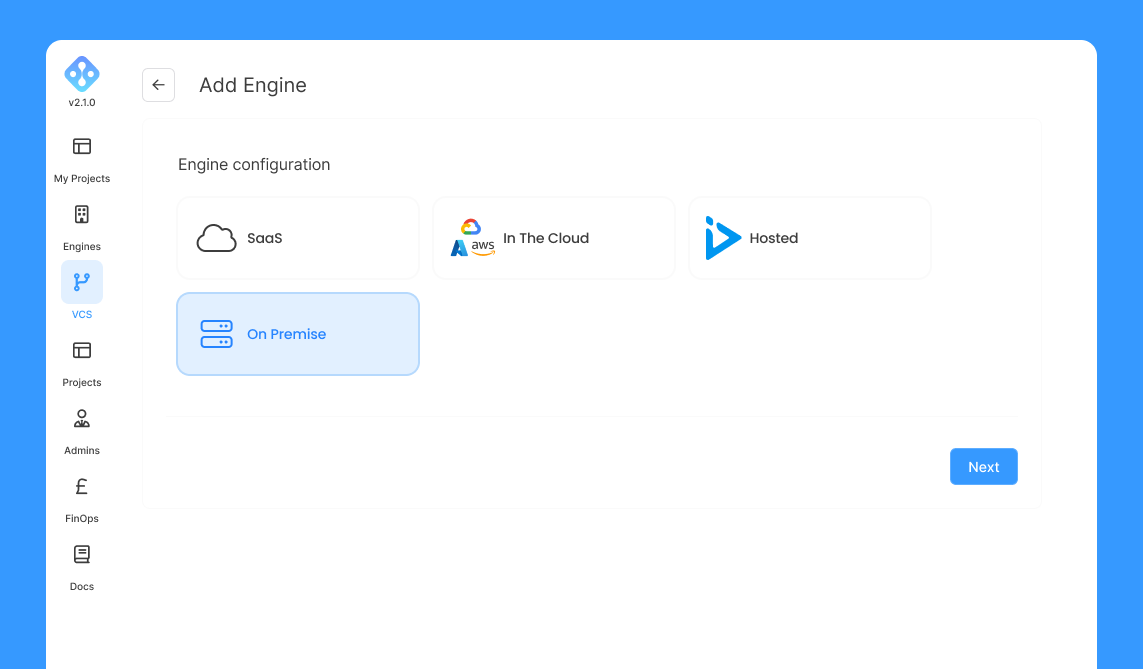
To import a custom engine, navigate to "Engines" and click on "ADD ENGINE" and "On Premise":
Below is the list of fields on Admin UI
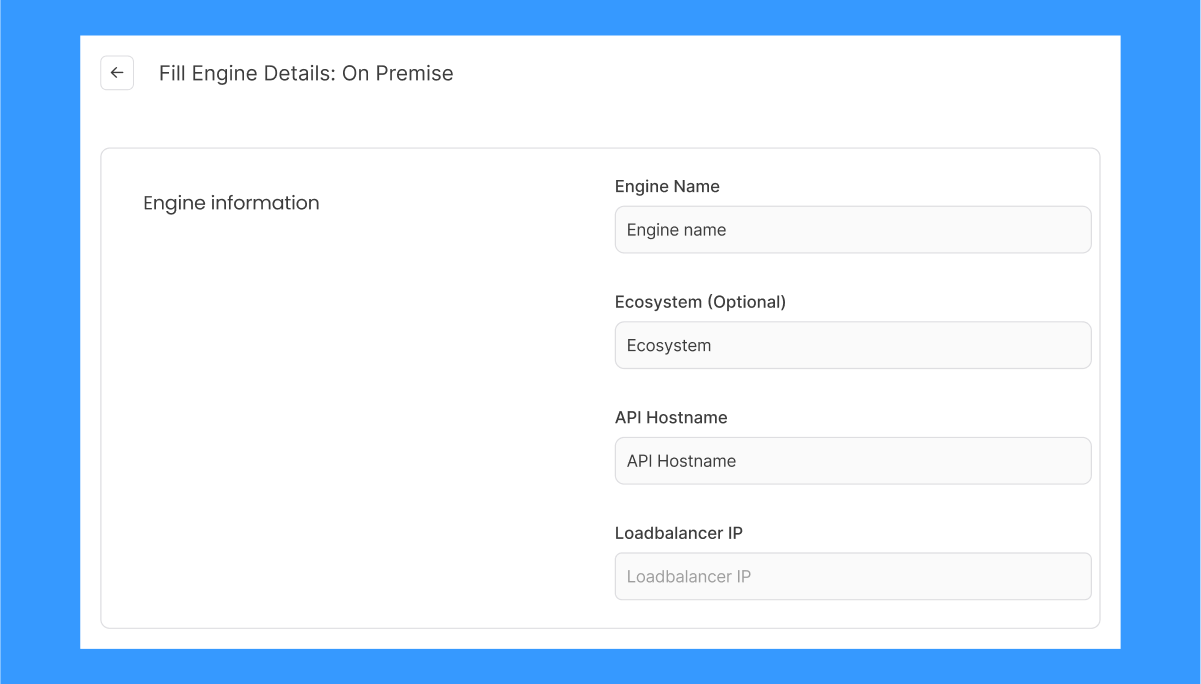
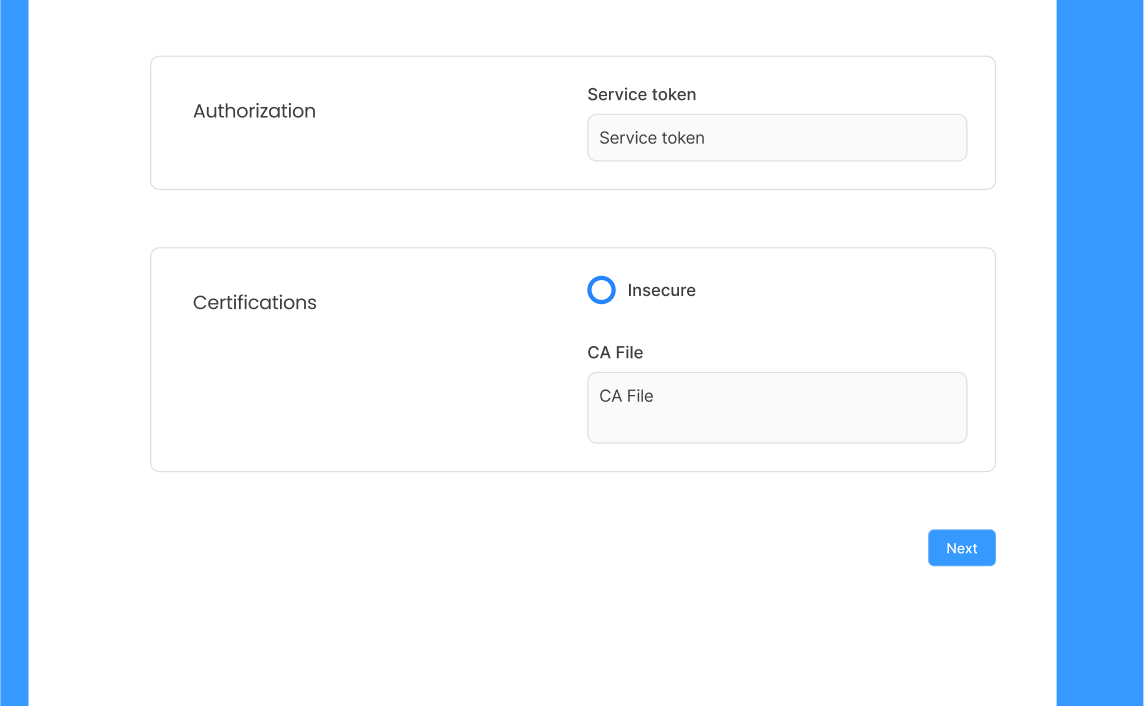
Cluster name: Run the command
kubectl config current-context
Provider name: Select Custom
Environment: This is an optional value that might be Production, Staging, Development
API Hostname: Run the command
kubectl cluster-info
External IP address: This information should be provided by the networking team.
Storage class: Run the command
kubectl get storageclass
Service token: Regarding the service token, you can find it inside the kubeconfig you use to access your cluster under users[0].user.token
Alternatively you can create the following kubernetes resources to generate it:
- Service account:
This can be created by applying:
kubectl apply -f serviceaccount.yaml
where serviceaccount.yaml is a yaml file similar to the below:
    apiVersion: v1
    kind: ServiceAccount
    metadata:
      name: dp-cluster-service-account
      namespace: aichor
- Clusterrole:
The clusterrole must be applied by running:
kubectl apply -f clusterrole.yaml
    apiVersion: rbac.authorization.k8s.io/v1
    kind: ClusterRole
    metadata:
      name: dp-sa-cluster-role
    rules:
    - apiGroups:
      - ""
      resources:
      - pods
      - pods/status
      - pods/exec
      - serviceaccounts
      - configmaps
      - namespaces
      - secrets
      verbs:
      - get
      - list
      - watch
      - create
      - update
      - patch
      - delete
      - apiGroups:
      - networking.k8s.io
      resources:
      - ingresses
      verbs:
      - create
      - get
      - delete
      - apiGroups:
      - cert-manager.io
      resources:
      - certificates
      verbs:
      - create
      - apiGroups:
      - apps
      resources:
      - deployments
      verbs:
      - create
      - get
      - delete
      - list
      - apiGroups:
      - ""
      resources:
      - events
      verbs:
      - create
      - apiGroups:
      - ""
      resources:
      - services
      verbs:
      - create
      - get
      - delete
      - apiGroups:
      - ray.instadeep.io
      resources:
      - rayclusters
      verbs:
      - list
      - create
      - get
      - delete
      - apiGroups:
      - argoproj.io
      resources:
      - workflows
      verbs:
      - get
      - patch
- Clusterrolebinding This resource will link the service account to the clusterrole above. Similar to the previous resources, clusterrolebinding is created by applying
kubectl apply -f clusterrolebinding.yaml
where clusterrolebinding.yaml is a yaml file similar to the below:
          apiVersion: rbac.authorization.k8s.io/v1
          kind: ClusterRoleBinding
          metadata:
            name: dp-sa-cluster-role-binding
          roleRef:
            apiGroup: rbac.authorization.k8s.io
            kind: ClusterRole
            name: dp-sa-cluster-role
          subjects:
          - kind: ServiceAccount
           name: dp-cluster-service-account
           namespace: aichor
- Secret
This resource needs to be created to generate the token afterwards.
          apiVersion: v1
          kind: Secret
          metadata:
            annotations:
              kubernetes.io/service-account.name: dp-cluster-service-account
            name: dp-cluster-service-account-token
            namespace: aichor
          type: kubernetes.io/service-account-token
Once the above resources created, the administrator will be able to retrieve the token from dp-cluster-service-account-token secret by running the following command:
kubectl get secret dp-cluster-service-account-token -o=jsonpath='{.data.token}' | base64 -d
Optionally, the CA file can be provided for secure connections.
CA File This can be found by running this command on the data plane cluster:
kubectl config view --minify --raw --output 'jsonpath={..cluster.certificate-authority-data}' | base64 -d