Schema and IDE Support
The AIchor team maintains a JSON Schema for manifest.yaml that enables autocompletion, inline syntax validation, and self-documenting field descriptions in your IDE. The same schema is used by AIchor to validate your manifest before each experiment run, so misconfiguration is caught early.
The manifest schema is available at:
https://instadeep.aichor.ai/schema/latest/manifest.schema.json
(Best opened in Firefox or an IDE.)
VSCode
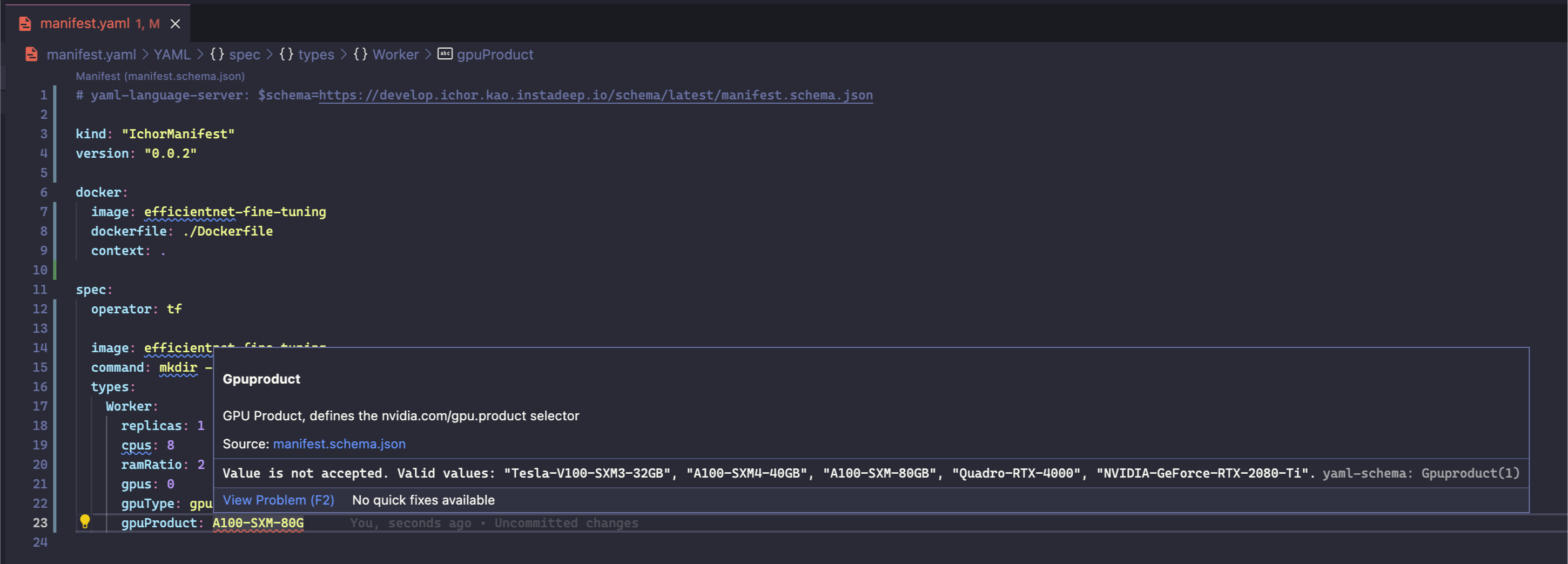
Install the YAML extension and add the following comment at the top of manifest.yaml to enable autocomplete and inline validation:
# yaml-language-server: $schema=https://instadeep.aichor.ai/schema/latest/manifest.schema.json
The schema URL can also be configured in VSCode workspace or global settings to apply automatically to any file named manifest.yaml.
Hitting Ctrl+Space pops up field suggestions, often with inline descriptions.
JetBrains IDEs (PyCharm, IntelliJ)
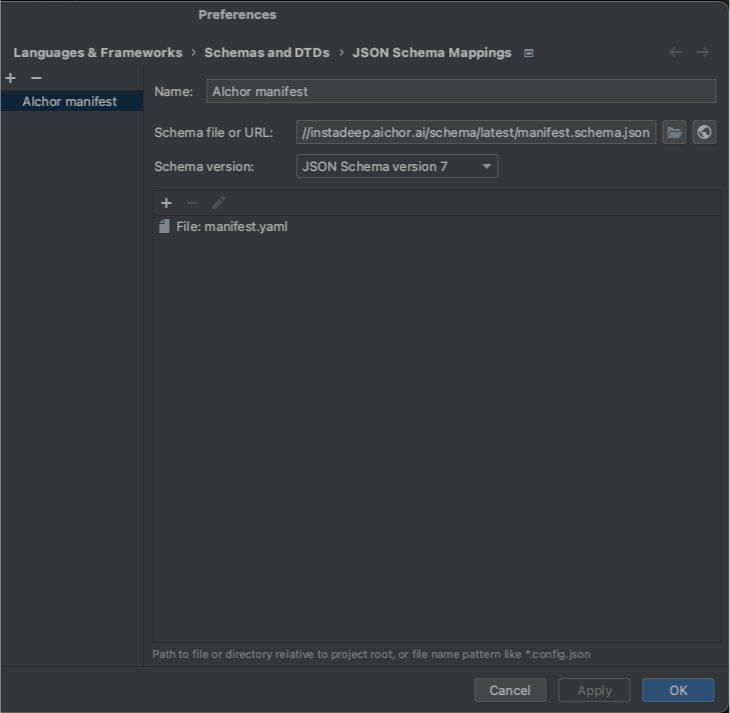
Assign a schema by clicking the file-type indicator in the bottom-right corner of the editor when the YAML file is open, then entering the schema URL in the popup.
For the full field-by-field specification, see the Manifest Reference.