Trigger the experiment
Once the project is created and a user is assigned to it, experiments can be triggered.
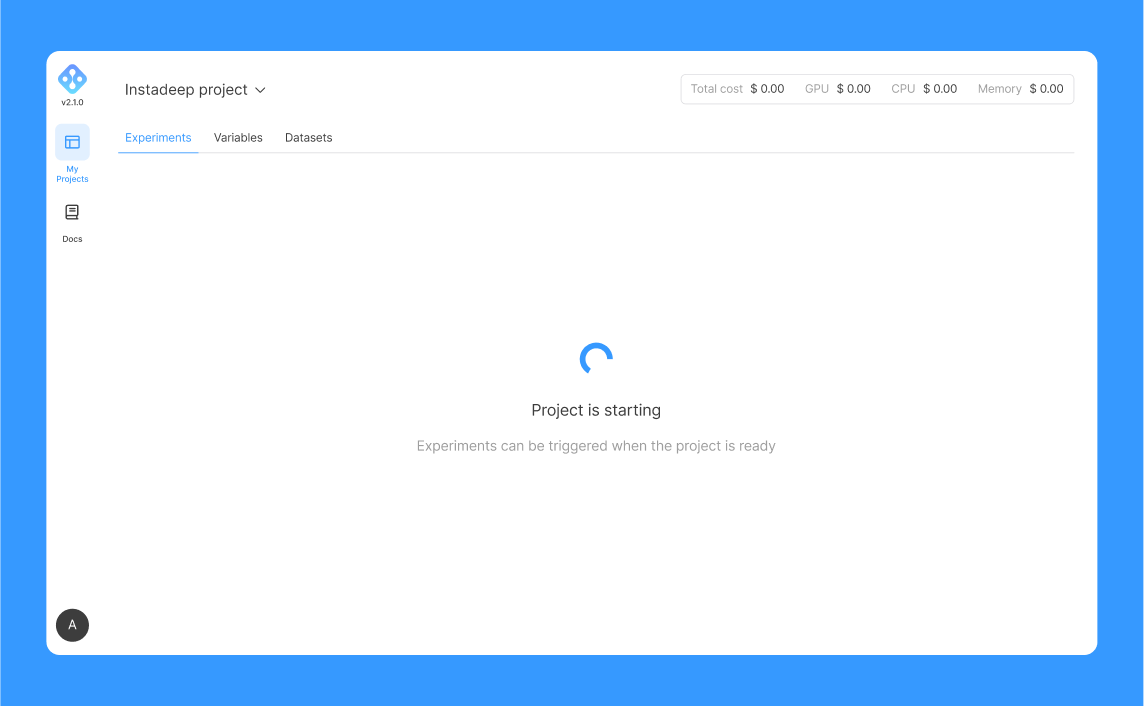
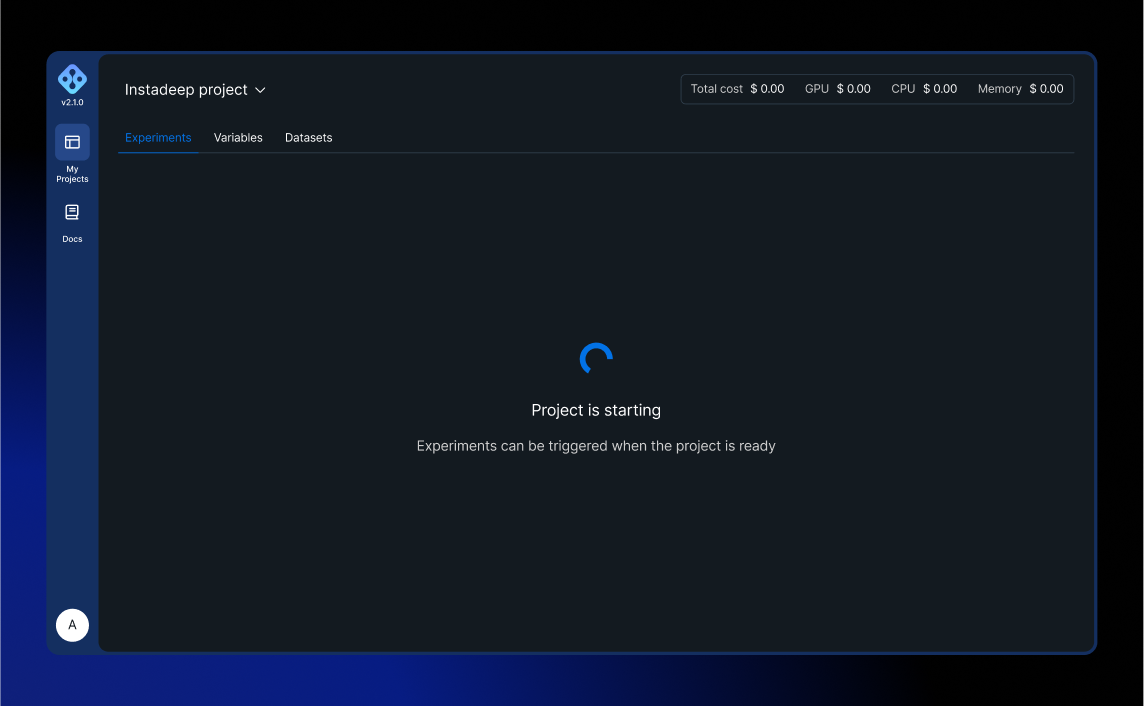
First, verify that the project is ready and that this message is not displayed on the UI:
Once the project is ready, run this command to clone the repository locally:
git clone <repository-url>
Then push a change (e.g. modify manifest.yaml resources section) and commit your code with a message that is prepended by EXP or exp:
git commit -m "EXP: My experiment"
After a few moments, you should be able to visualise the experiment running on the UI:
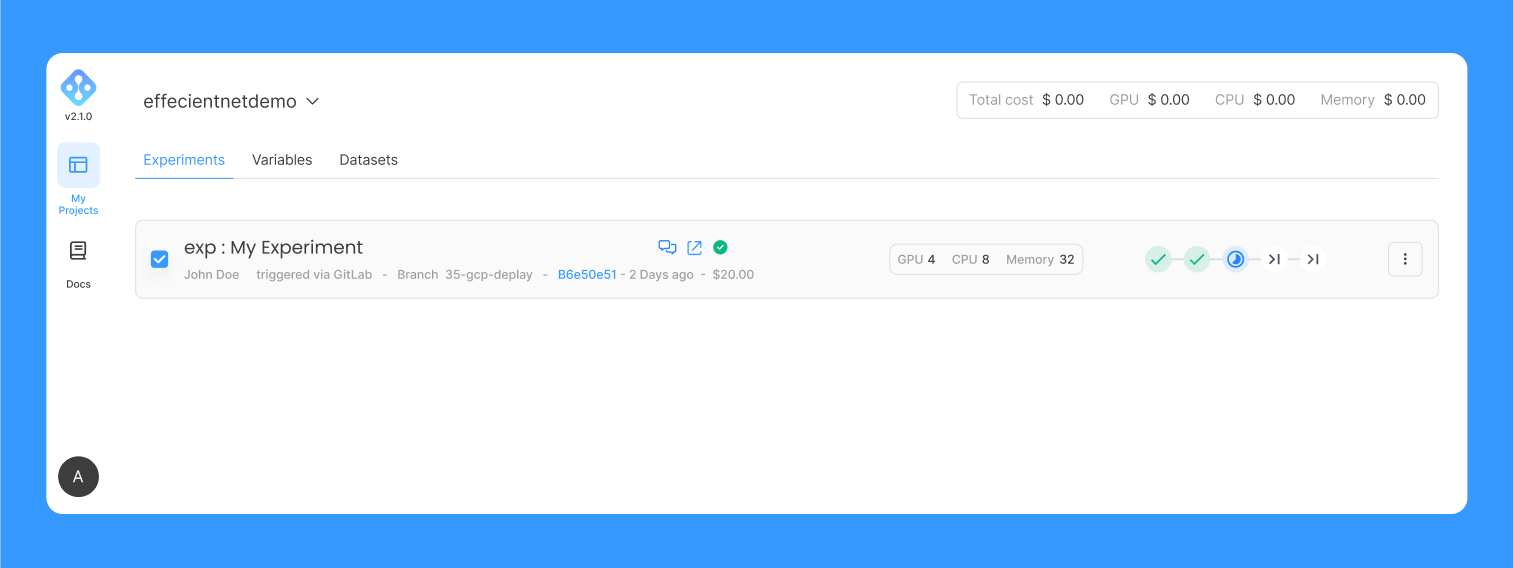
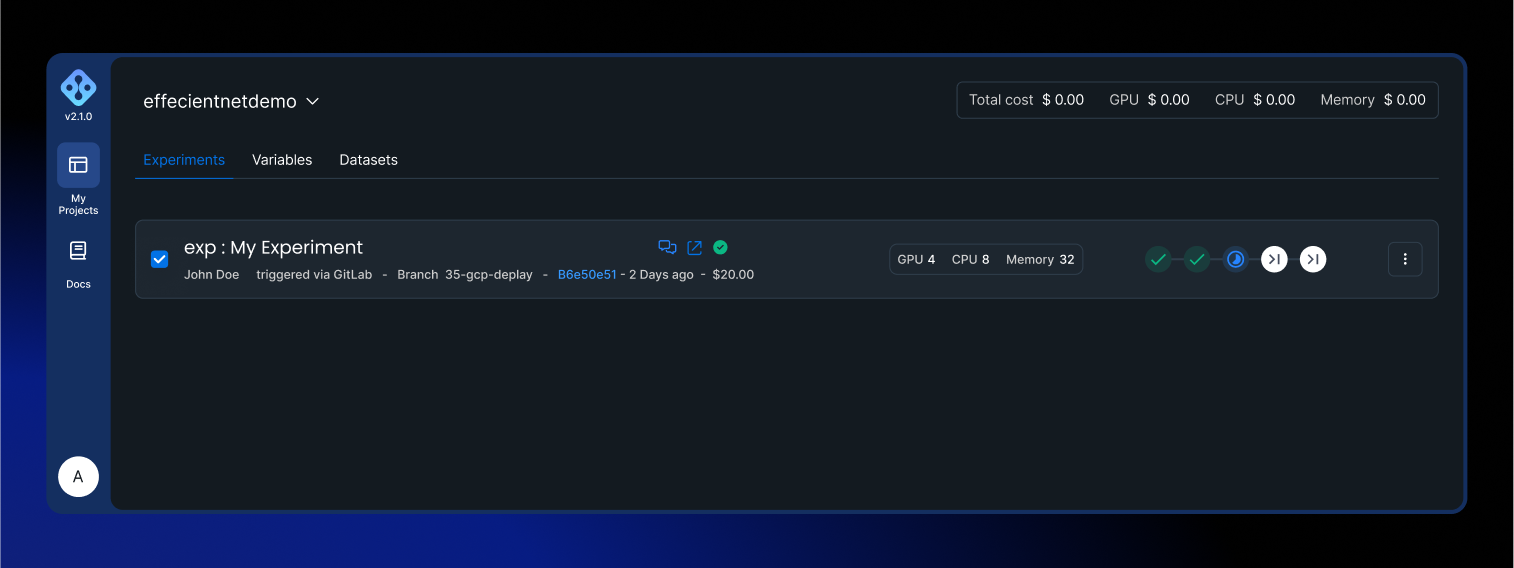
Logs, metrics and pods statuses can be tracked on corresponding tabs on the UI.